What is the best office chair for working from home?+−
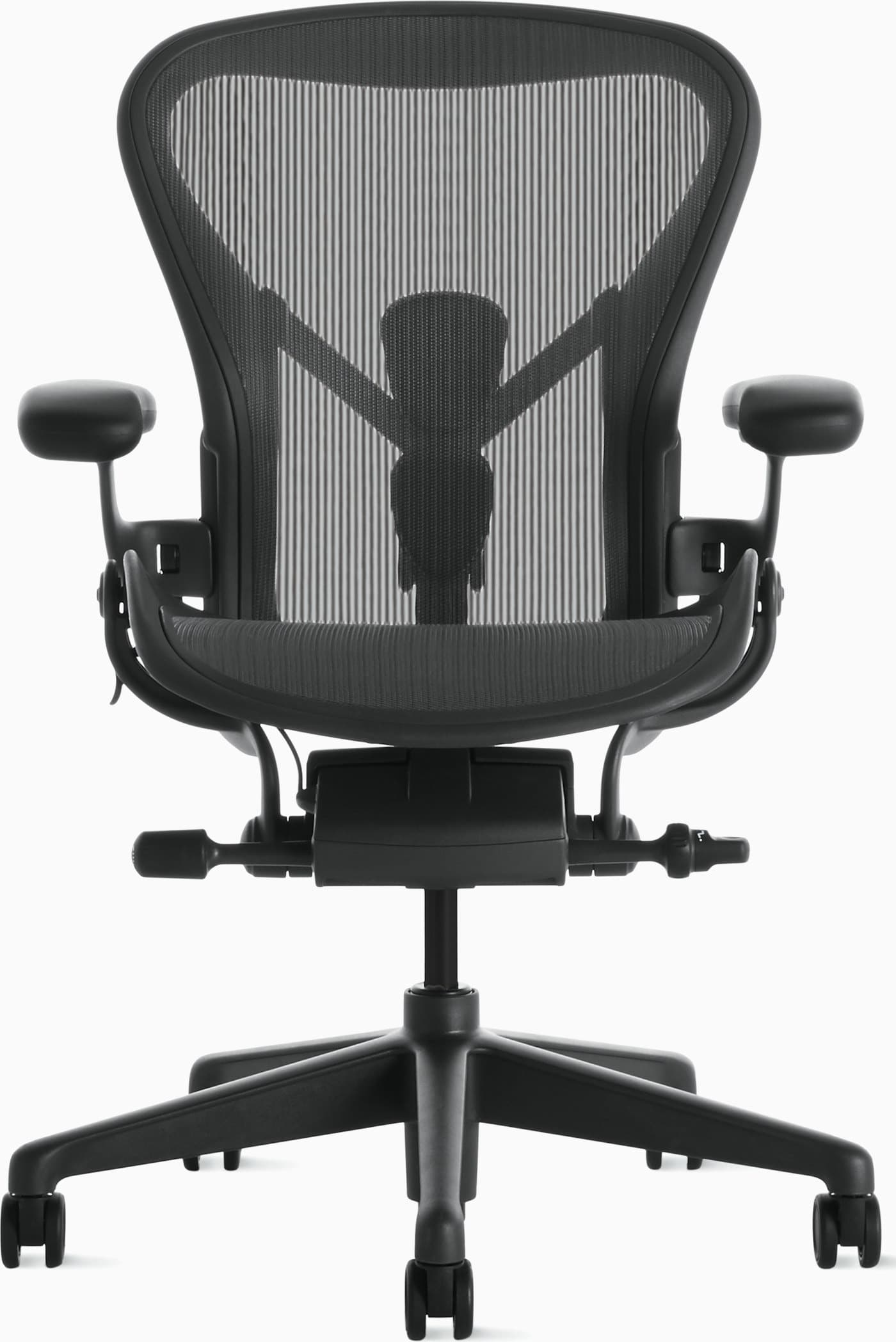
The best chair depends on your body, budget, and how long you sit — but most full-time remote workers do best with an adjustable ergonomic model that has solid lumbar support and a seat that fits their thigh length. Premium picks like the Herman Miller Aeron set the standard; strong mid-range chairs can still deliver excellent all-day comfort if the fit is right.
How much should I spend on an office chair?+−
Most remote workers do well between $250 and $800. Spending more usually buys better adjustability, materials, and warranty coverage — worthwhile if you sit for long hours. Under $250 can work for part-time use; above $1,000 is typically for people who want fleet-grade longevity.
Do I need a mesh or foam office chair?+−
Mesh stays cooler during long sessions and often feels more breathable, which helps if you run warm. Foam can feel plush and supportive for shorter days or cooler rooms. Choose based on climate, preferred firmness, and how many hours you sit without breaks.
Are expensive ergonomic chairs worth it?+−
They can be if you work from home full-time and plan to keep the chair for years. A $1,400 chair used daily for a decade costs far less per workday than replacing cheap chairs every couple of years — and the adjustability usually shows up in comfort. If you only sit a few hours a day, a strong mid-range option is often enough.
How do I know if an office chair fits me?+−
Sit with your feet flat, thighs roughly parallel to the floor, and your lower back supported without slouching. Armrests should let your shoulders relax at desk height, and there should be a small gap between the seat edge and the back of your knees. Brands like Herman Miller size chairs (A/B/C) because fit matters as much as features.
What features matter most for back pain?+−
Look for adjustable lumbar (or sacral) support, a seat depth that doesn’t press behind your knees, and a backrest that follows your spine as you recline. No chair replaces movement — stand, stretch, and vary posture — but good support can reduce the strain that builds during long seated blocks.
Is a gaming chair good for office work?+−
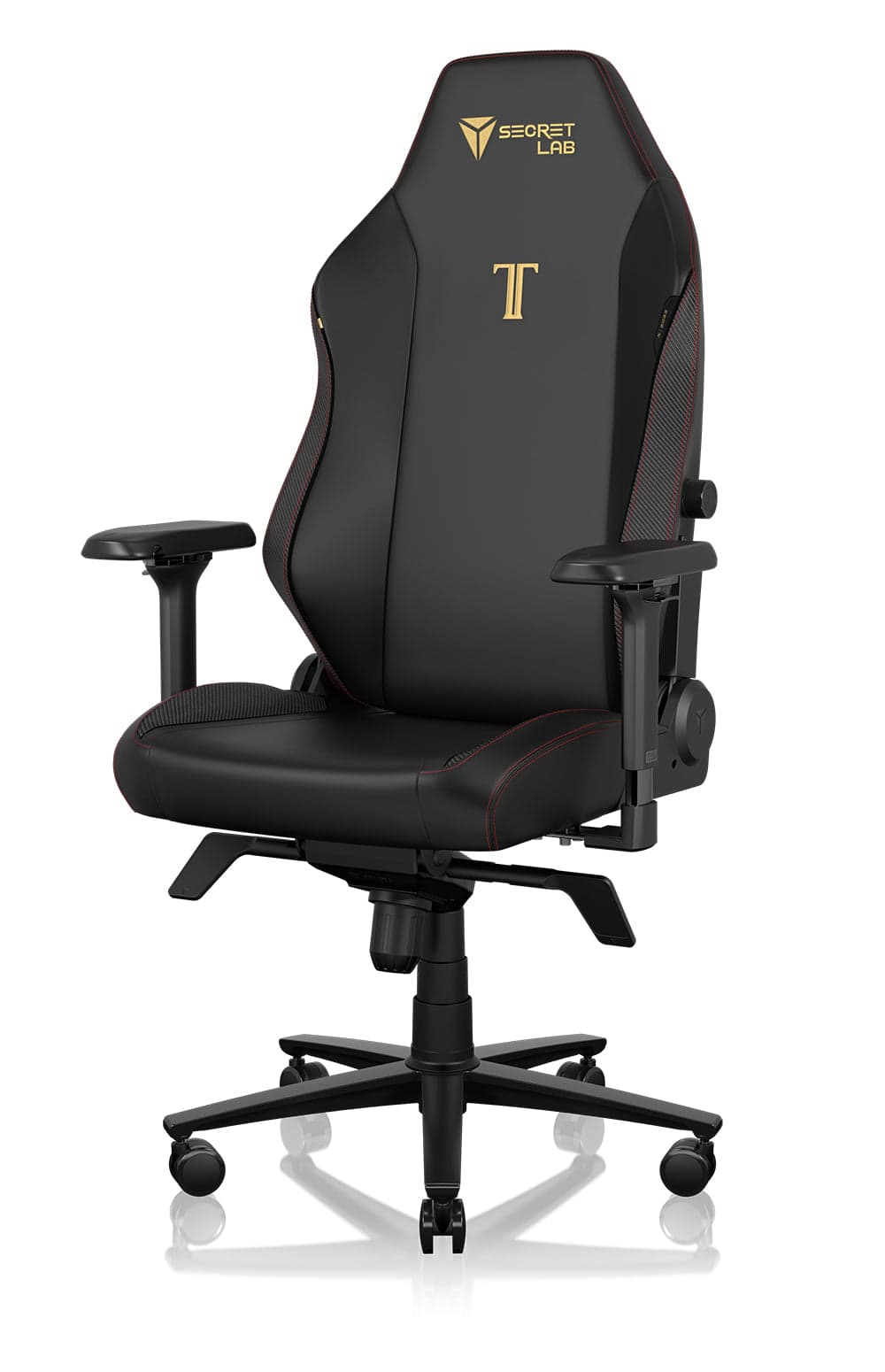
Some hybrid designs work well for desk jobs, especially if they include real lumbar adjustment and a supportive seat. Pure racing-style gaming chairs often prioritize look over ergonomics and can run warm. If you want gaming aesthetics with workday comfort, compare lumbar quality and seat foam — not just RGB and branding.
How long should an office chair last?+−
A quality ergonomic chair should last 7–12 years with normal use. Foam compression, a soft gas cylinder, and worn armrests are common end-of-life signals. Longer warranties (10–12 years) are a useful quality clue for chairs built for daily office use.
Should I buy a used or refurbished Herman Miller chair?+−
Authorized refurbished or carefully inspected pre-owned Aerons can be excellent value if the mesh, mechanism, and cylinder are in good shape. Prefer sellers who disclose size, wear, and warranty status — wrong sizing or a tired tilt mechanism can erase the savings.
What seat height should my office chair be?+−
Set the seat so your feet rest flat and your thighs are roughly level, with elbows near 90 degrees when typing at your desk. If your desk is fixed and too high, raise the chair and add a footrest rather than shrugging your shoulders all day.
Do I need a headrest on an office chair?+−
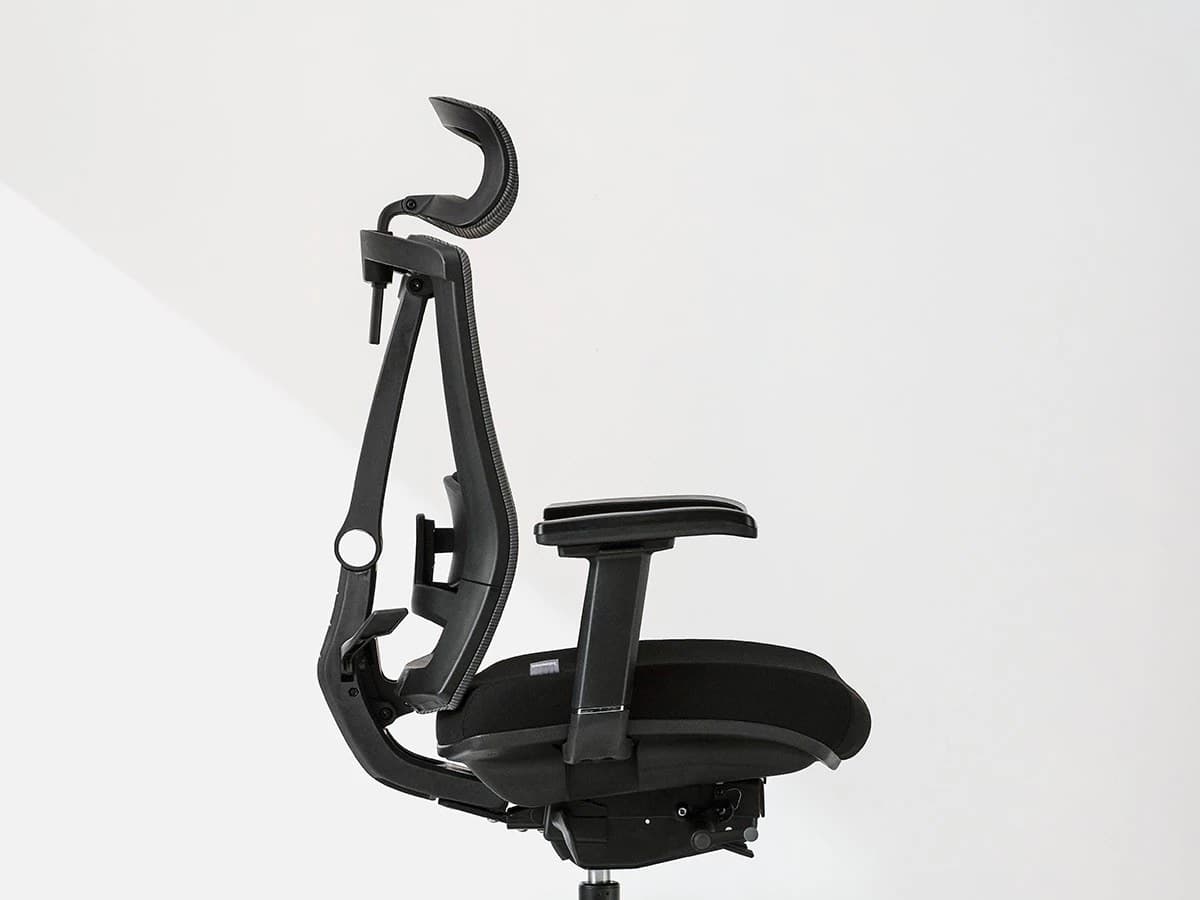
Not necessarily. Headrests help if you recline often or want neck support during breaks, but many excellent task chairs skip them so you can sit upright without the headrest pushing your head forward. Prioritize lumbar, seat fit, and armrests first.
What’s the best office chair for small apartments?+−
Choose a chair with a modest footprint, a base that clears nearby furniture, and materials that don’t visually overwhelm the room. Compact mesh task chairs often work better than bulky gaming seats in tight corners — and measure swivel clearance before you buy.
How often should I replace my office chair?+−
Replace it when support fails — sagging foam, a dropping cylinder, cracked frame parts, or persistent discomfort despite correct setup. Many people upgrade sooner when their work hours increase and a basic chair can no longer keep up.
Can an office chair help with posture?+−
A good chair supports healthy posture; it can’t force perfect posture on its own. Adjustable lumbar, proper seat height, and armrests that keep shoulders relaxed make it easier to sit well — especially when you also take standing and movement breaks.