Audience guide
Best Office Chair for Designers in 2026
Designers constantly shift between focused pixel work, tablet sketching, and collaborative reviews. A chair that adapts to posture changes — not only upright typing — helps protect comfort and creative stamina.
Updated August 2026 · For designers building healthier desk setups
Key takeaways
- Design work changes posture often — adaptive arms and recline beat fixed seating.
- Color-accurate dual monitors raise the stakes for neck and shoulder alignment.
- Gesture and Fern excel when days mix precision work with review recline.
- Breathable seats help during long Figma, CAD, or Adobe sessions.
- Match armrest width for tablet and keyboard switches without fighting the chair.
At a glance
Best office chairs for designers compared
| Chair | Best For | Price | Key Feature |
|---|---|---|---|
| Steelcase Gesture Chair | Tablet & multi-device design work | $1,200–$1,600 | 360-degree arms that follow your movement |
| Haworth Fern Chair | Responsive, design-forward seating | $1,000–$1,600 | Wave Suspension System for responsive back support |
| Herman Miller Aeron Chair | Breathable all-day mesh comfort | $1,400–$1,800 | 8Z Pellicle mesh for pressure distribution and airflow |
| Herman Miller Embody Chair | Full-spine support on long creative days | $1,800–$2,200 | Pixelated support across the back |
Work-day fit
Why designers need a different office chair
Unlike purely keyboard-driven roles, designers lean over tablets, pull back to evaluate layouts, and pivot between apps all day. Chairs that only reward stiff upright typing feel limiting.
The best designer chairs follow the arms, support micro-movements, and stay comfortable when you pause to think or annotate.
Frequent posture changes
Sketch, type, lean back to review — support must follow, not fight, those transitions.
Precision pointer work
Trackpads and pens demand relaxed shoulders for hours without grip fatigue cascading into the back.
Creative review sessions
Critiques often last longer than planned; recline quality matters as much as task seating.
Visual dual-monitor setups
Color-accurate displays encourage longer stationary looking than many tasks, so seat comfort is non-negotiable.
Common pain points
- Shoulder tension from trackpad and stylus use
- Lower back ache during critique marathons
- Hip stiffness after long exploration sessions
- Neck strain from dual high-res monitors
Priorities
What makes a good office chair for designers?
Adaptive armrests
Essential
Arms that move with tablet, mouse, and keyboard positions.
Why it matters: Designers change input devices constantly; fixed arms force awkward shoulder angles.
Flexible back support
Essential
A backrest that moves with micro-reclines and lean-ins.
Why it matters: Critique-and-create loops need continuous support, not only one locked angle.
Seat comfort for long sessions
Highly recommended
Cushioning or mesh that stays comfortable past hour four.
Why it matters: Exploration work can hold attention longer than calendar meetings expected.
Breathable materials
Highly recommended
Heat management for focus blocks.
Why it matters: Creative flow ends early when you are stuck shifting because of a hot seat.
Design-forward aesthetics
Nice to have
A chair that fits a polished creative studio look.
Why it matters: Optional, but many designers want the room to feel intentional for client calls.
Picks
Recommended office chairs for designers
Each pick is chosen for how designers actually sit and work — not a generic bestseller list.
Best Overall
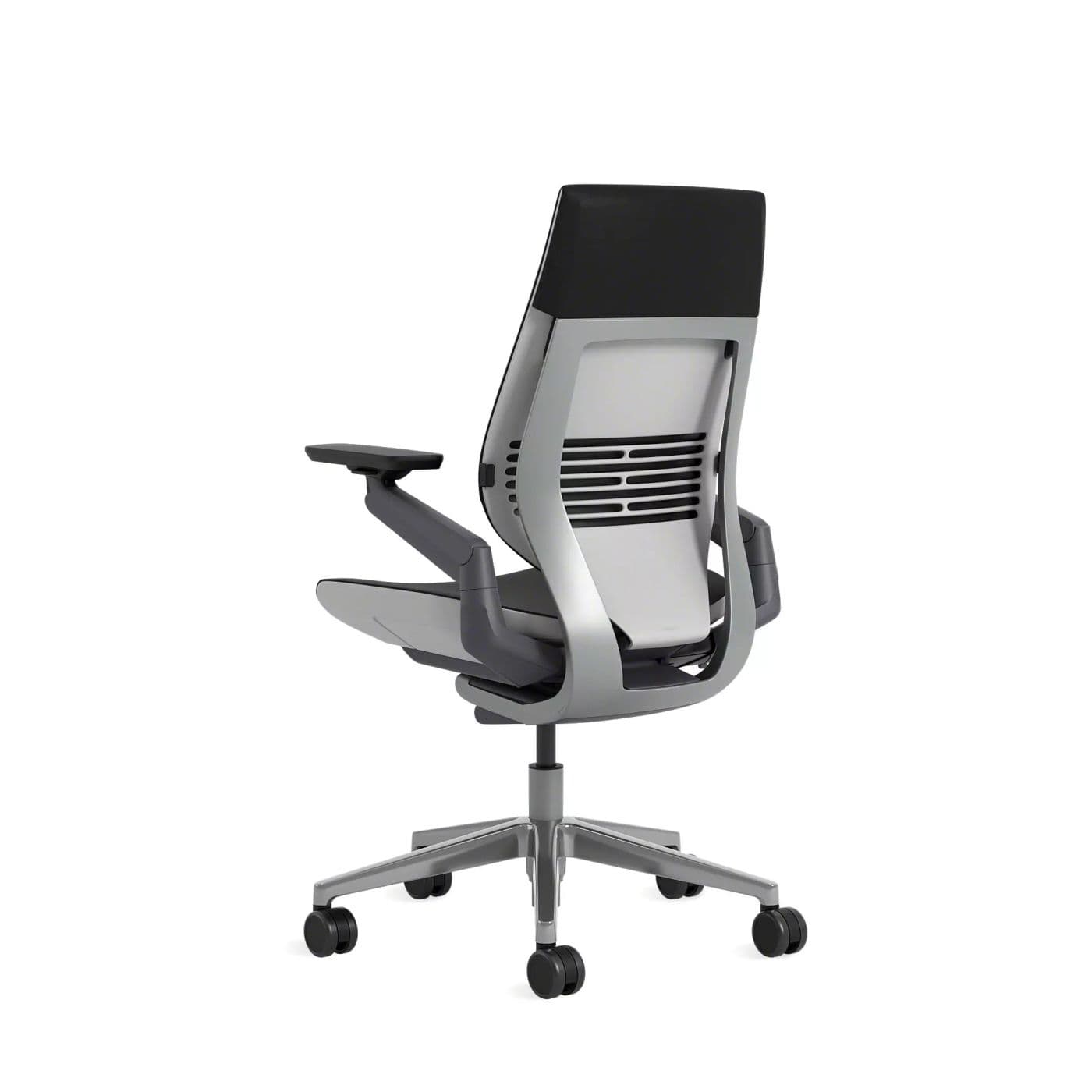
Gesture’s arms and posture range match how designers actually work across tools and review moments.
Warranty: 12-year warranty
Weight capacity: Up to 400 lbs
Lumbar: Integrated lumbar with wraparound back contour
Armrests: 360-degree arms that follow device postures
Pros
- • Excellent for changing postures
- • Comfortable for long days
- • Arms support phone and tablet use
- • Premium build quality
Cons
- • Expensive
- • Heavier and bulkier than mesh chairs
- • Fewer “tech” aesthetics than gaming chairs
$1,200–$1,600
Best Premium
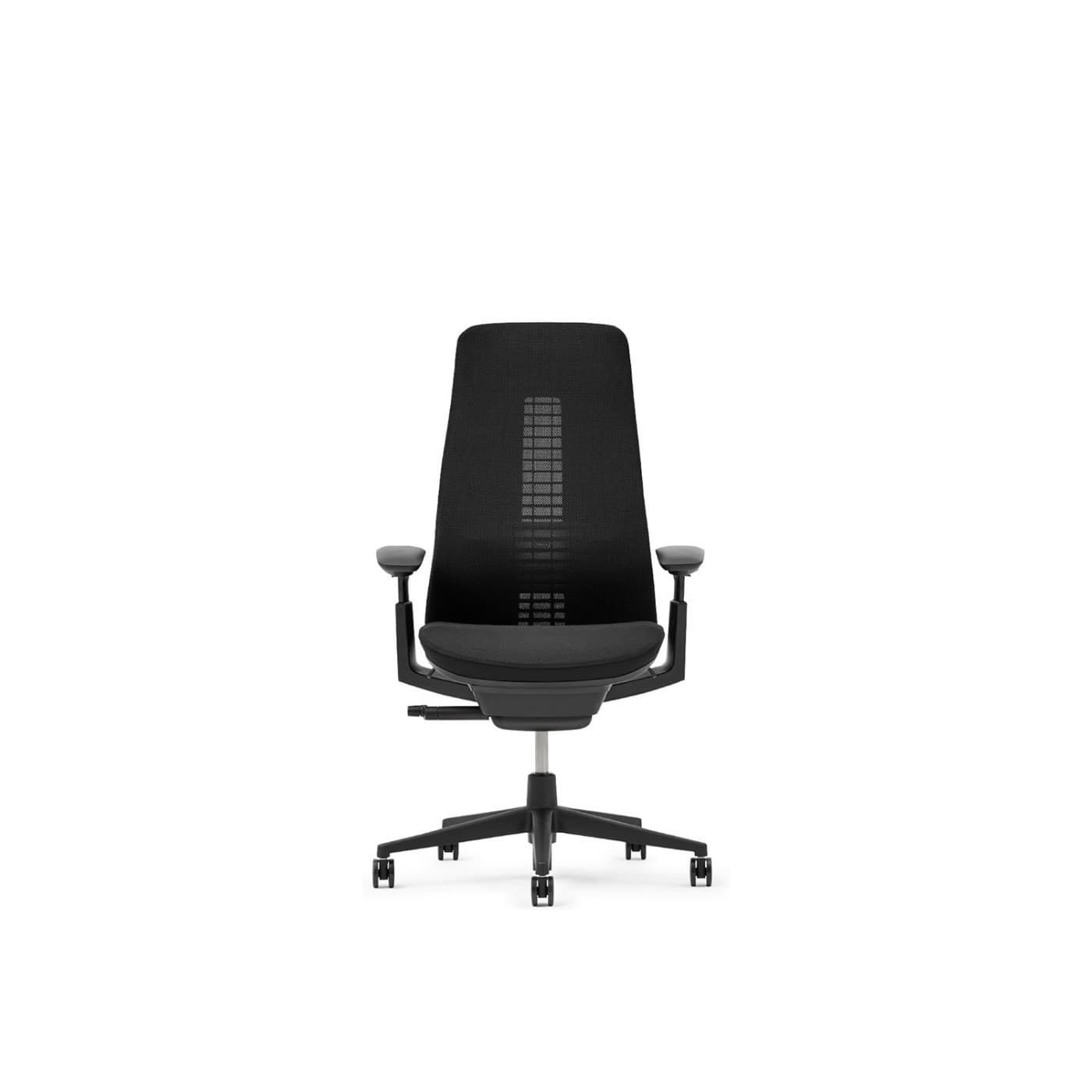
Fern’s flexible back and refined look appeal to designers who want support without a bulky corporate silhouette.
Warranty: 12-year warranty on many commercial configs
Weight capacity: Up to 400 lbs on standard Fern
Lumbar: Wave Suspension system with optional lumbar
Armrests: 4D adjustable arms
Pros
- • Excellent dynamic back comfort
- • Distinctive modern design
- • Breathable mesh options
- • Premium build quality
Cons
- • Premium price
- • Less ubiquitous retail availability than Aeron
- • Learning curve vs. knob-heavy chairs
$1,000–$1,600
Best For Long Hours
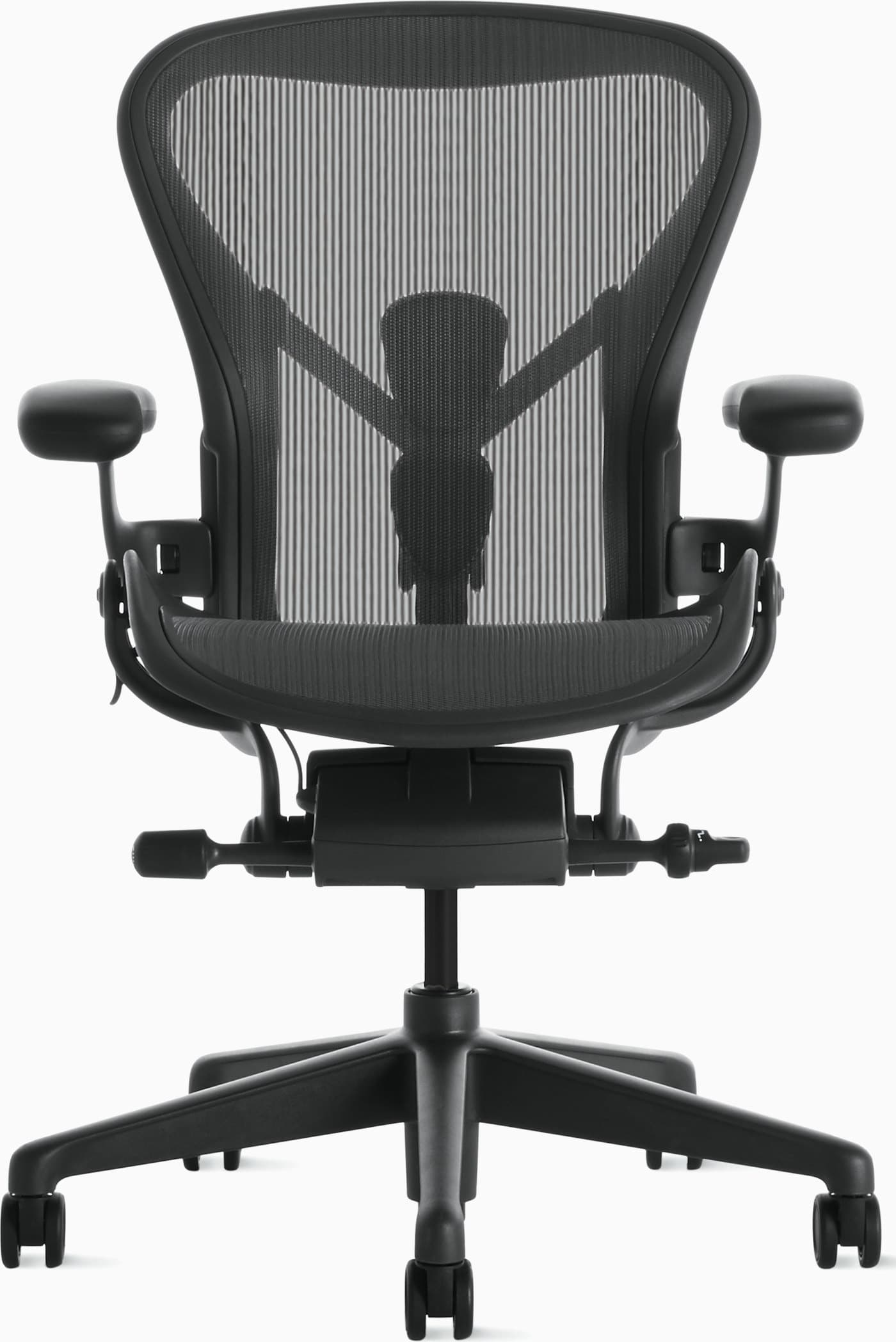
When heat and longevity are the priority, Aeron’s mesh and adjustability still rank among the best.
Warranty: 12-year warranty
Weight capacity: Up to 350 lbs depending on size
Lumbar: PostureFit SL sacral and lumbar pads
Armrests: Fully adjustable arms (height, width, depth, pivot)
Pros
- • Excellent long-session comfort
- • Highly adjustable and durable
- • Stays cool during warm days
- • Strong resale value and warranty
Cons
- • Premium price
- • Mesh feel is not for everyone
- • Sizing matters — wrong size reduces comfort
$1,400–$1,800
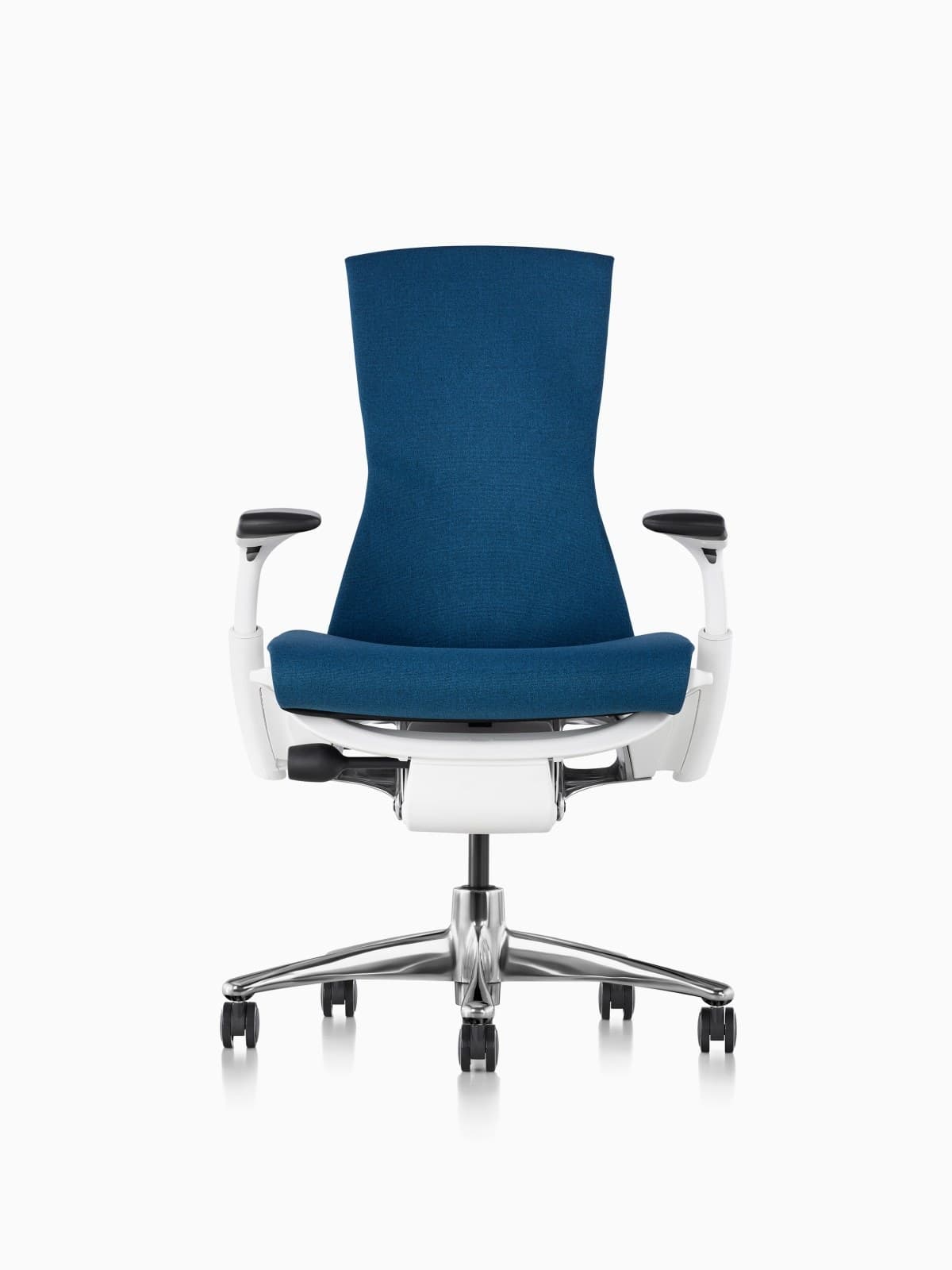
Best Upgrade
Embody is a strong pick for designers who sit tall and want pixelated continuous back support.
Warranty: 12-year warranty
Weight capacity: Up to 300 lbs on typical Embody configs
Lumbar: Backfit plus pixelated support across the spine
Armrests: Fully adjustable arms
Pros
- • Excellent distributed support
- • Strong option for taller bodies
- • Follows posture changes well
- • Herman Miller durability and warranty
Cons
- • Very expensive
- • Distinct look is polarizing
- • Warmer than open-mesh Aerons for some users
$1,800–$2,200
Buying advice
What makes a good office chair for designers?
Shop for how your body moves while designing — not only for a default typing posture.
Arm range for tablet work
Can the arms pivot and move inward when you bring a tablet onto your lap or desk zone?
Back mobility
Prefer backs that flex as you lean to evaluate composition rather than rigid upright-only chairs.
Monitor and color setup
If you run color-critical dual displays, confirm seat height and arm free movement don’t fight your calibration posture.
Studio footprint
Leave room to roll between tablet arm and main keyboard area without clipping furniture.
Watch-outs
Common problems designers face
Shoulder tension from stylus work
Arms too low force elevation. Raise armrests and keep the stylus/tablet closer to midline.
Height setup guide →Lower back fatigue in critiques
Long review meetings need recline support. Look for continuous back flex rather than a stiff shell.
Neck strain from dual monitors
Center primary work and keep secondary displays within a small head-turn range.
Home office setup guide →Restlessness mid-exploration
Seat depth or heat may be wrong. Adjust pan depth and prioritize breathable materials for multi-hour sessions.
Buying checklist →FAQ
Office chair FAQs for designers
What is the best office chair for graphic designers?
The Steelcase Gesture is a top pick for designers because adaptive arms support tablet and multi-monitor work. Fern and Aeron are strong premium alternatives depending on aesthetic and breathability preferences.
Do designers need different chairs than writers?
Often yes. Design work involves more posture changes and precision arm positions. Chairs optimized only for upright typing may feel limiting during tablet and review work.
Is a headrest good for design work?
Optional. Useful for reclined critique or call time, less important during active pixel work if it pushes your head forward.
Mesh or fabric for creative studios?
Mesh wins for heat on long production days. Some designers prefer fabric for a softer studio feel — pick based on climate more than aesthetics alone.
Can gaming chairs work for design?
Only if lumbar and seat quality are strong. Many racing chairs run hot and lock you into one look-first silhouette that fights review recline.
What features matter most for UI/UX designers?
Adaptive armrests, solid lumbar, comfortable long-session seating, and free shoulder movement for mouse-heavy interface work.
Final recommendation
Our pick for designers
Designers who switch between mouse, stylus, and review recline will usually do best with the Steelcase Gesture. Prefer a more flexible, design-forward chair? The Haworth Fern is an excellent alternative. For long heated sessions in mesh, choose the Herman Miller Aeron.