
Audience guide
Best Office Chair for Programmers in 2026
Programmers often spend long hours sitting while writing code, debugging, and attending meetings. The right ergonomic chair can improve comfort, reduce fatigue, and support better posture throughout the workday — especially when focus blocks stretch past eight hours.
Updated August 2026 · For programmers building healthier desk setups
Key takeaways
- Prioritize lumbar support, seat depth, and breathable materials for multi-hour coding blocks.
- 4D armrests help keep shoulders relaxed while typing and mousing.
- Mesh chairs usually stay cooler during 8–12 hour days than thick foam gaming seats.
- The Aeron is the premium benchmark; Titan Evo and Branch cover mid- and budget ranges.
- Pair your chair with correct monitor height and regular stand/stretch breaks.
At a glance
Best office chairs for programmers compared
| Chair | Best For | Price | Key Feature |
|---|---|---|---|
| Herman Miller Aeron Chair | All-day coding comfort | $1,400–$1,800 | Breathable mesh + PostureFit |
| Steelcase Leap Chair | Static sitting with occasional recline | $1,000–$1,500 | LiveBack + seat depth |
| Steelcase Gesture Chair | Laptop, tablet, and multi-monitor days | $1,200–$1,600 | 360° device-tracking arms |
| Haworth Fern Chair | Forward lean without a rigid frame | $1,000–$1,600 | Wave Suspension back |
| Secretlab Titan Evo | Support at a mid-range price | $500–$650 | Magnetic lumbar + 4D arms |
| Branch Ergonomic Chair | First serious ergonomic upgrade | $300–$400 | Mesh + seat depth under $400 |
Work-day fit
Why programmers need a different office chair
Programming work is not casual desk time. You sit still for long uninterrupted stretches, lean into the screen while debugging, and often run multi-monitor setups that shift how your neck and arms rest.
That pattern means a chair built for occasional use falls short. Programmers need all-day support, armrests that meet keyboard height, and materials that do not overheat during marathon sessions.
Long uninterrupted sitting
Deep work blocks of 2–4 hours are common. Support that disappears after 90 minutes is a daily tax.
Keyboard and mouse intensity
Hours of typing raise the bar for armrest height, seat depth, and shoulder relaxation.
Multiple monitors
Wide displays encourage neck rotation and slight lean-forward posture without a good backrest.
Meetings between sprints
You need a chair that works upright for code review and slightly reclined for video calls.
Common pain points
- Lower back discomfort
- Neck strain from monitors
- Wrist and forearm fatigue
- Hip stiffness after deep work blocks
Priorities
What makes a good office chair for programmers?
- Long-session comfort (8–12 hours)
- Lumbar support for static coding posture
- Adjustable armrests for keyboard and mouse height
- Breathable materials
Lumbar support
Essential
Adjustable lower-back support that holds the natural curve of the spine.
Why it matters: Programmers sit for long static periods; without lumbar support the lower back flattens and fatigue stacks up fast.
Seat depth adjustment
Essential
A sliding seat pan so you can keep a small gap behind the knees.
Why it matters: Wrong seat depth cuts circulation or leaves thighs unsupported — both show up as hip and lower-back complaints after long days.
4D armrests
Highly recommended
Height, width, depth, and pivot adjustments for keyboard position.
Why it matters: Proper arm support protects shoulders and wrists during high-volume typing and mouse work.
Breathable mesh
Highly recommended
Mesh seat and/or back that lets heat escape during long sessions.
Why it matters: Hot foam seats reduce how long you can sit productively before discomfort forces constant shifting.
Headrest
Nice to have
Optional neck support useful mainly when reclining or on calls.
Why it matters: Helpful for breaks and video meetings, but secondary to lumbar, seat fit, and armrests for active coding posture.
Picks
Recommended office chairs for programmers
Each pick is chosen for how programmers actually sit and work — not a generic bestseller list.
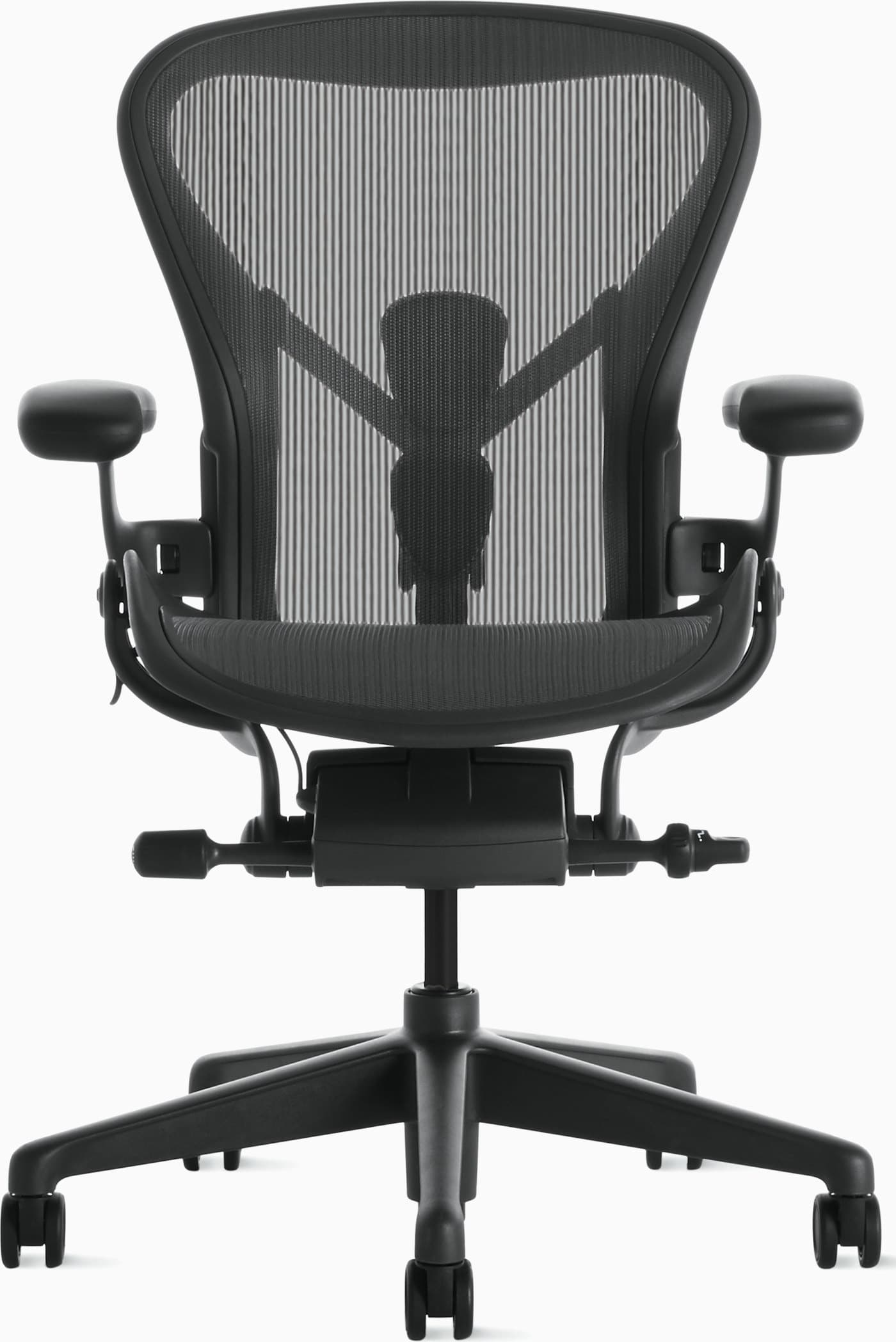
Best Overall
The Aeron stays cool through 8–12 hour compile-and-debug days, with PostureFit sacral support and fully adjustable arms that meet a low mechanical keyboard. Size A/B/C so the mesh sling actually matches your torso instead of leaving a gap at the lumbar.
Warranty: 12-year warranty
Weight capacity: Up to 350 lbs depending on size
Lumbar: PostureFit SL sacral and lumbar pads
Armrests: Fully adjustable arms (height, width, depth, pivot)
Pros
- • Excellent long-session comfort
- • Highly adjustable and durable
- • Stays cool during warm days
- • Strong resale value and warranty
Cons
- • Premium price
- • Mesh feel is not for everyone
- • Sizing matters — wrong size reduces comfort
$1,400–$1,800
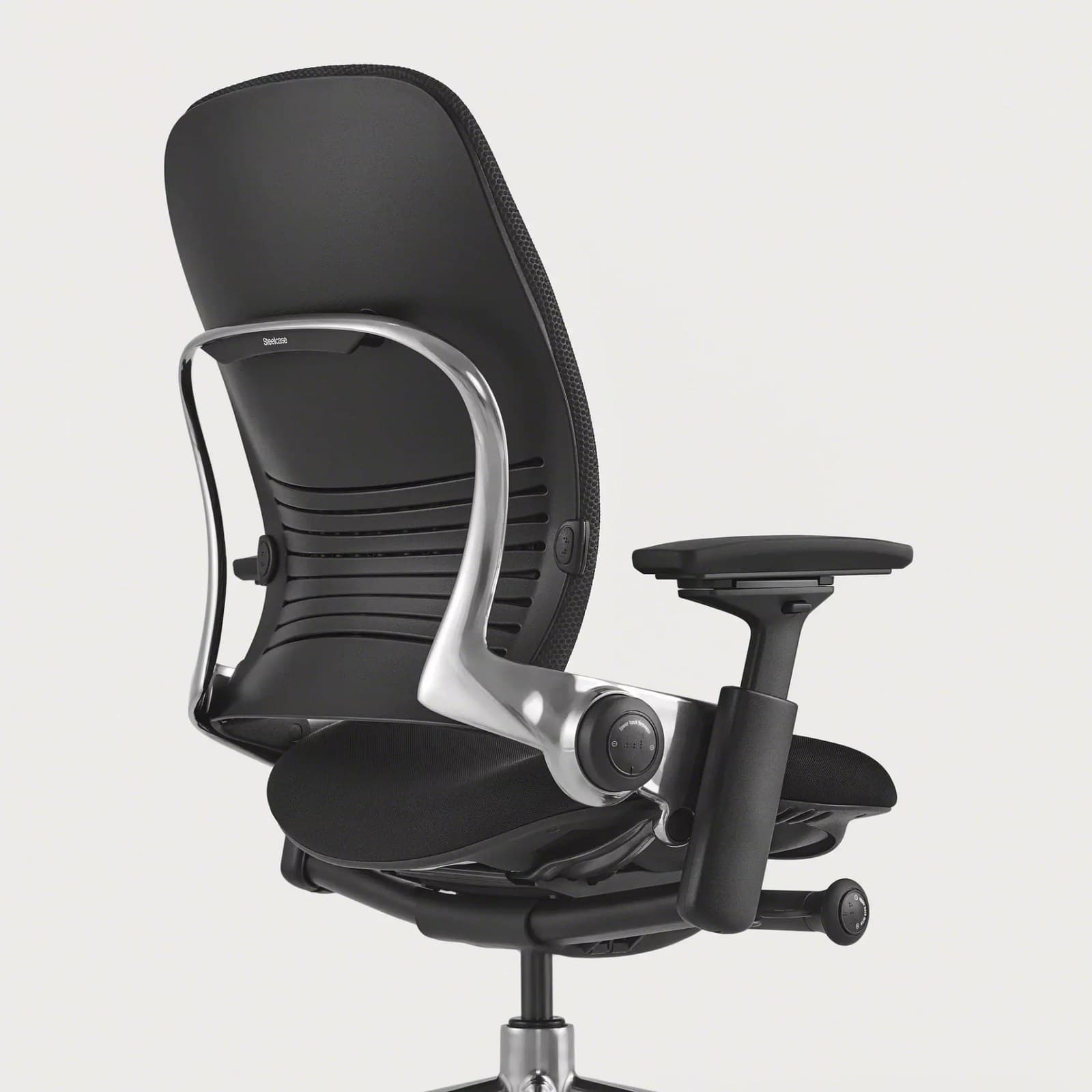
Best for Long Compile Blocks
Steelcase
Leap Chair
Best for: Static sitting with occasional recline
Key feature: LiveBack + seat depth
Leap’s LiveBack flexes when you finally lean away from the editor, while sliding seat depth keeps the pan from cutting behind the knees during long, still coding blocks. 4D arms help you park elbows at keyboard height on a crowded desk.
Warranty: 12-year warranty
Weight capacity: Up to 400 lbs
Lumbar: Height-adjustable lumbar with firmness control; LiveBack flex
Armrests: 4D arms (height, width, depth, pivot)
Pros
- • Excellent all-day comfort
- • Deep adjustability
- • Strong lower-back support options
- • Proven fleet-grade durability
Cons
- • Premium price
- • Bulkier than compact task chairs
- • Warmer than open-mesh designs
$1,000–$1,500
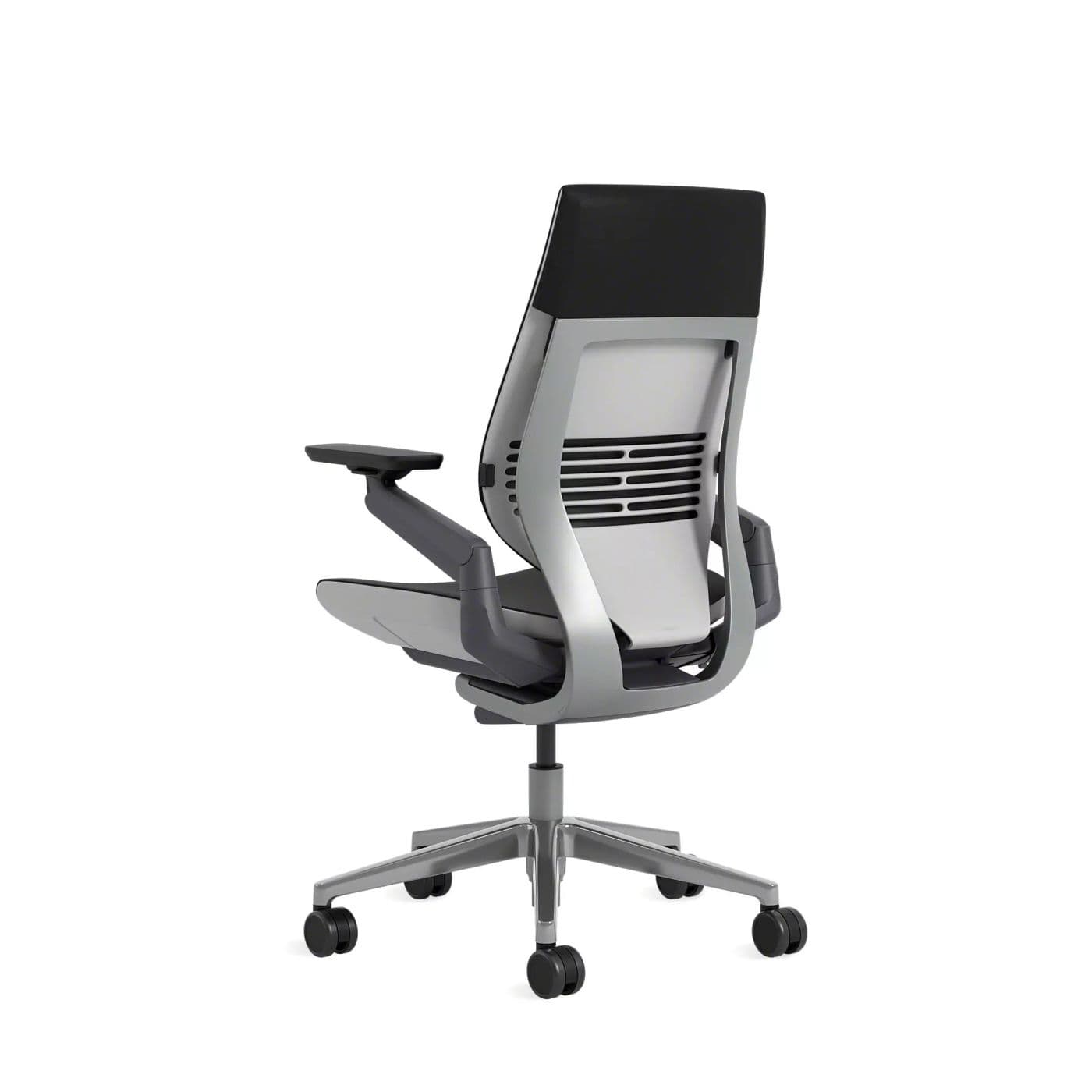
Best Premium
Steelcase
Gesture Chair
Best for: Laptop, tablet, and multi-monitor days
Key feature: 360° device-tracking arms
Gesture thrives when your day mixes a docking station, a laptop on the sofa for a review, and a phone standup. The 360-degree arms follow those postures instead of forcing a single upright typing stance.
Warranty: 12-year warranty
Weight capacity: Up to 400 lbs
Lumbar: Integrated lumbar with wraparound back contour
Armrests: 360-degree arms that follow device postures
Pros
- • Excellent for changing postures
- • Comfortable for long days
- • Arms support phone and tablet use
- • Premium build quality
Cons
- • Expensive
- • Heavier and bulkier than mesh chairs
- • Fewer “tech” aesthetics than gaming chairs
$1,200–$1,600
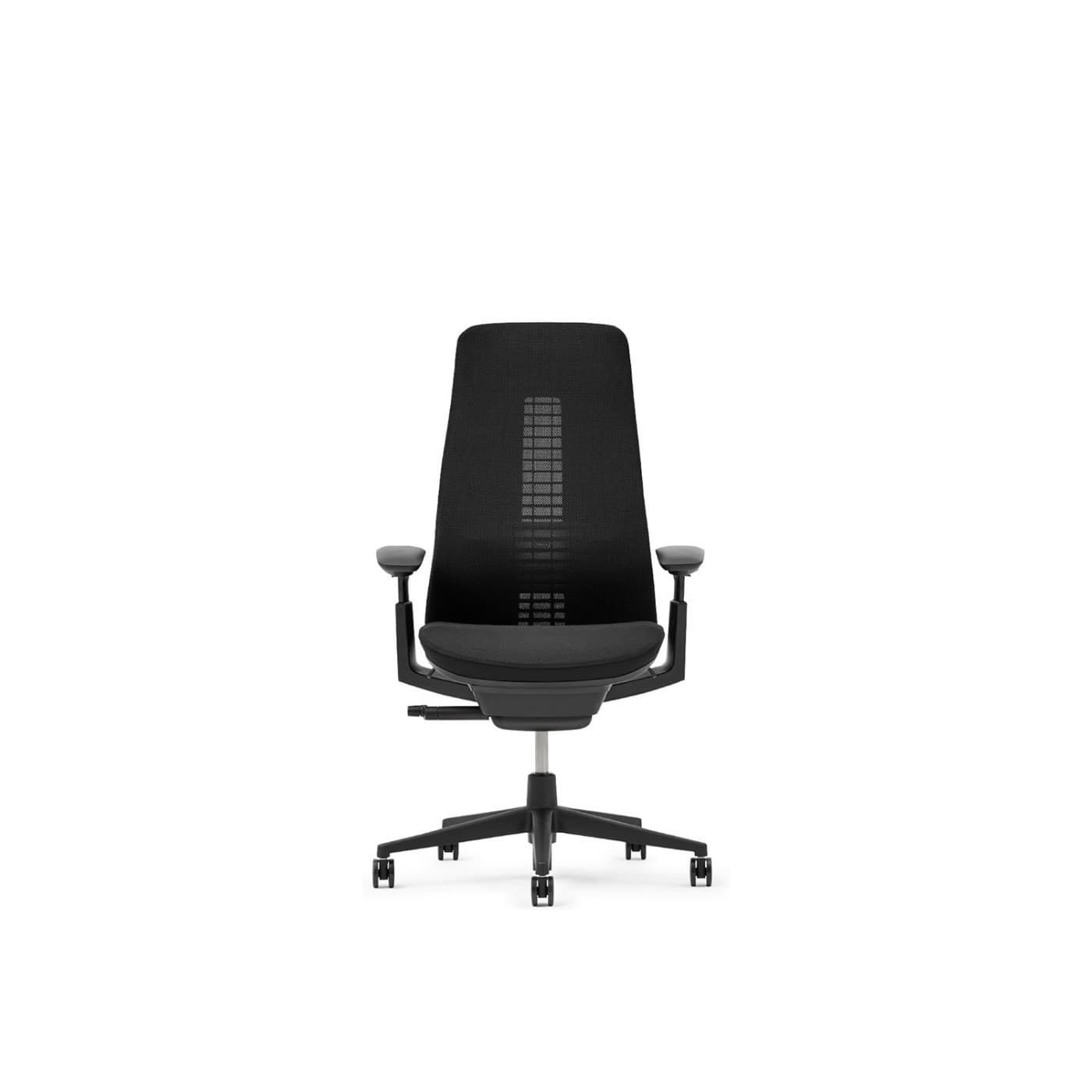
Best Adaptive Back
Fern’s edgeless Wave Suspension back is useful when you perch forward to read a stack trace. It keeps contact as you move instead of leaving a hard frame edge against the shoulder blades.
Warranty: 12-year warranty on many commercial configs
Weight capacity: Up to 400 lbs on standard Fern
Lumbar: Wave Suspension system with optional lumbar
Armrests: 4D adjustable arms
Pros
- • Excellent dynamic back comfort
- • Distinctive modern design
- • Breathable mesh options
- • Premium build quality
Cons
- • Premium price
- • Less ubiquitous retail availability than Aeron
- • Learning curve vs. knob-heavy chairs
$1,000–$1,600
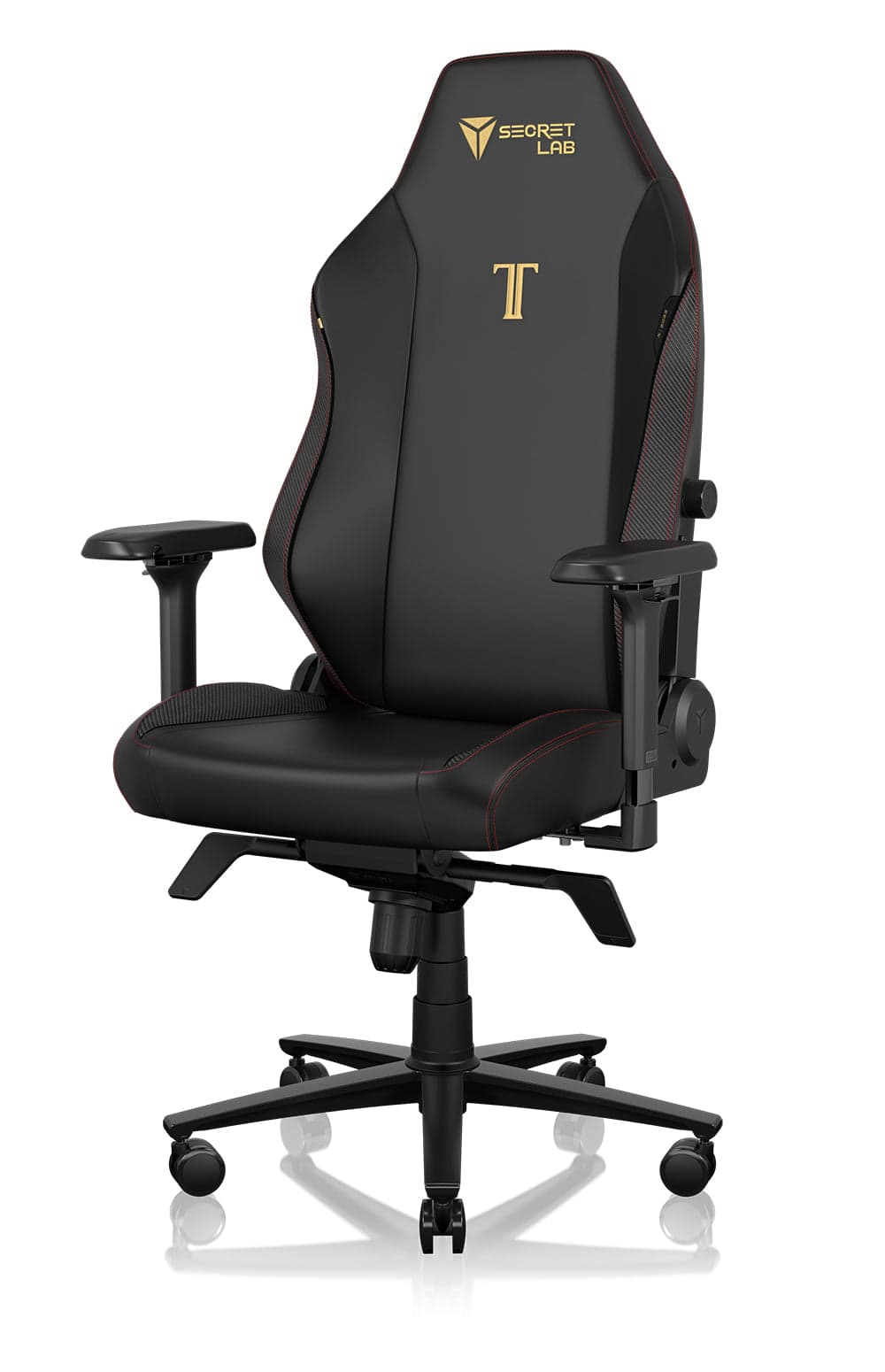
Best Mid-Range
A practical step up from dining chairs: magnetic lumbar, 4D arms, and a firm seat that many developers like for long sessions. Choose fabric if you run warm; leatherette holds heat during marathon deploys.
Warranty: 5-year warranty on typical retail configs
Weight capacity: Up to about 287 lbs (Regular); Plus size higher
Lumbar: Magnetic lumbar support with height/depth adjustment
Armrests: 4-way (4D) armrests
Pros
- • Strong value vs. flagship ergonomic chairs
- • Customizable look
- • Supportive for long sessions
- • Widely available
Cons
- • Bulkier footprint
- • Can run warm in leatherette
- • Less refined than Steelcase/Herman Miller
$500–$650
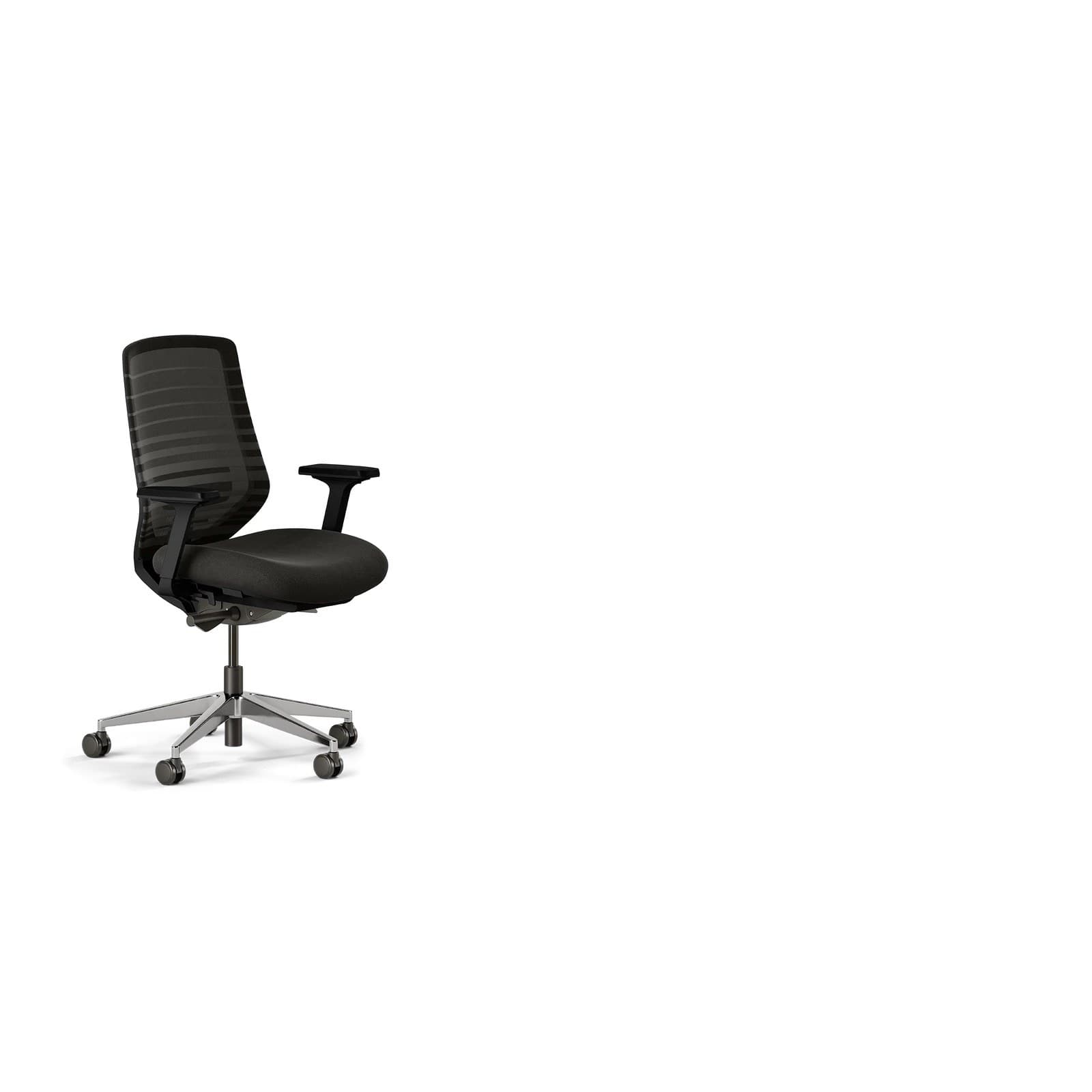
Best Value
Branch
Ergonomic Chair
Best for: First serious ergonomic upgrade
Key feature: Mesh + seat depth under $400
Breathable mesh, height-adjustable lumbar, 3D arms, and seat depth at a price that makes sense for a first coding-chair upgrade. Removable arms help if you slide under a standing desk with a shallow knee well.
Warranty: 7-year warranty
Weight capacity: Up to 275 lbs
Lumbar: Height-adjustable lumbar pad
Armrests: 3D arms (height, width, depth); removable
Pros
- • Excellent price-to-features ratio
- • Breathable for long sessions
- • Clean home-office aesthetic
- • Easy assembly and wide availability
Cons
- • Not fleet-grade like Herman Miller or Steelcase
- • Fewer fine adjustments than premium chairs
- • Optional headrest sold separately
$300–$400
Buying advice
What makes a good office chair for programmers?
When shopping for a programming chair, filter for how you actually code — not generic marketing claims.
Armrests that meet keyboard height
Your elbows should rest near 90° without shrugging. Height-adjustable (ideally 4D) armrests matter more for developers than headrest marketing.
Seat depth for your height
Tall and short programmers need different pan depths. Adjustable depth is safer than a single fixed size.
Breathability for long blocks
If you regularly code past 8 hours, mesh backs reduce heat buildup that shortens comfortable sitting time.
Standing desk compatibility
Measure seat-to-desk clearance and casters for mixed sit-stand days so the chair rolls easily under a raised or lowered desk.
Warranty as a quality signal
7–12 year warranties are common on chairs built for full-time office use — a useful filter when price points look similar.
Watch-outs
Common problems programmers face
Lower back fatigue after deep work
Static coding posture flattens the lumbar curve. Adjustable lumbar and a seat that fits thigh length reduce end-of-day ache.
How to choose an office chair →Tight shoulders and upper back
Armrests that sit too low push shoulders up while typing. Raise armrests so shoulders can drop and stays softer through the day.
Office chair height guide →Neck strain from monitors
Wide or elevated displays encourage chin thrust. Combine a supportive upright backrest with eye-level screens.
How to build a home office →Wrist and forearm discomfort
Poor elbow height transfers load into wrists. Match chair arms and desk height before blaming the keyboard alone.
Best standing desks →FAQ
Office chair FAQs for programmers
Is a gaming chair good for programming?
Some hybrids work, but pure racing-style gaming chairs often prioritize look over all-day ergonomics and can run warm. Prefer clear lumbar adjustment, a supportive seat, and breathable materials over branding. The Titan Evo is a better coding fit than most entry racing seats.
Should programmers use a headrest?
Only if you recline often or want neck support on long calls. For active upright coding, lumbar, seat depth, and armrests matter more. A headrest that pushes your head forward can hurt posture.
How long should programmers sit before standing?
Aim to change posture every 30–60 minutes — stand, stretch, or walk briefly. Even the best chair cannot replace movement. A sit-stand desk pairs well with an ergonomic chair for long coding days.
Is mesh better than leather for coding?
For most programmers, mesh is cooler and easier during 8–12 hour days. Leather and thick padding can feel plush at first but trap heat during marathon sessions.
Can a standing desk replace an ergonomic chair?
No. Standing all day creates its own fatigue. Use both: a strong chair for focused sitting and a standing desk for posture variety.
What chair do software developers actually use?
Many full-time remote developers use fleet-grade chairs like the Herman Miller Aeron or Steelcase models. Others choose mid-range options such as the Titan Evo or Branch when budget is tighter. Fit and adjustability beat brand status.
Do programmers need 4D armrests?
Not strictly required, but height (and ideally depth/width) adjustment is highly valuable. Being able to tuck arms under a desk or pull them under your elbows improves typing comfort a lot.
What's a good budget office chair for coding?
The Branch Ergonomic Chair is a strong starting point under many $400 budgets. Focus on lumbar support and seat fit rather than flashy features at this price.
Is mesh better for long coding sessions?
For most programmers, yes. Open mesh (as on the Aeron or Branch) sheds heat during 8–12 hour days. Thick foam and leatherette feel plush at 10 a.m. and swampy by 4 p.m.
What chair is best for 10-hour coding sessions?
Chairs with proven all-day adjustability — Aeron, Leap, or Gesture — handle 10-hour days better than task chairs with a single recline lock. Breathability, lumbar you can tune, and armrests at keyboard height matter more than a headrest.
Are adjustable armrests important for programmers?
Yes. Hours of typing and mousing load the shoulders if armrests sit too low or too wide. Height adjustment is the minimum; 4D arms help you tuck under a desk or pull in under the elbows beside a tenkeyless keyboard.
Final recommendation
Our pick for programmers
If you're a programmer working full-time from home, the Herman Miller Aeron offers the best balance of comfort, adjustability, and long-term durability. Mid-range coders who want strong lumbar without the premium bill should look at the Secretlab Titan Evo; if you're making a first upgrade, the Branch Ergonomic Chair delivers essential support at a friendlier price.