Steelcase
Steelcase Leap Review: Is It Worth It?
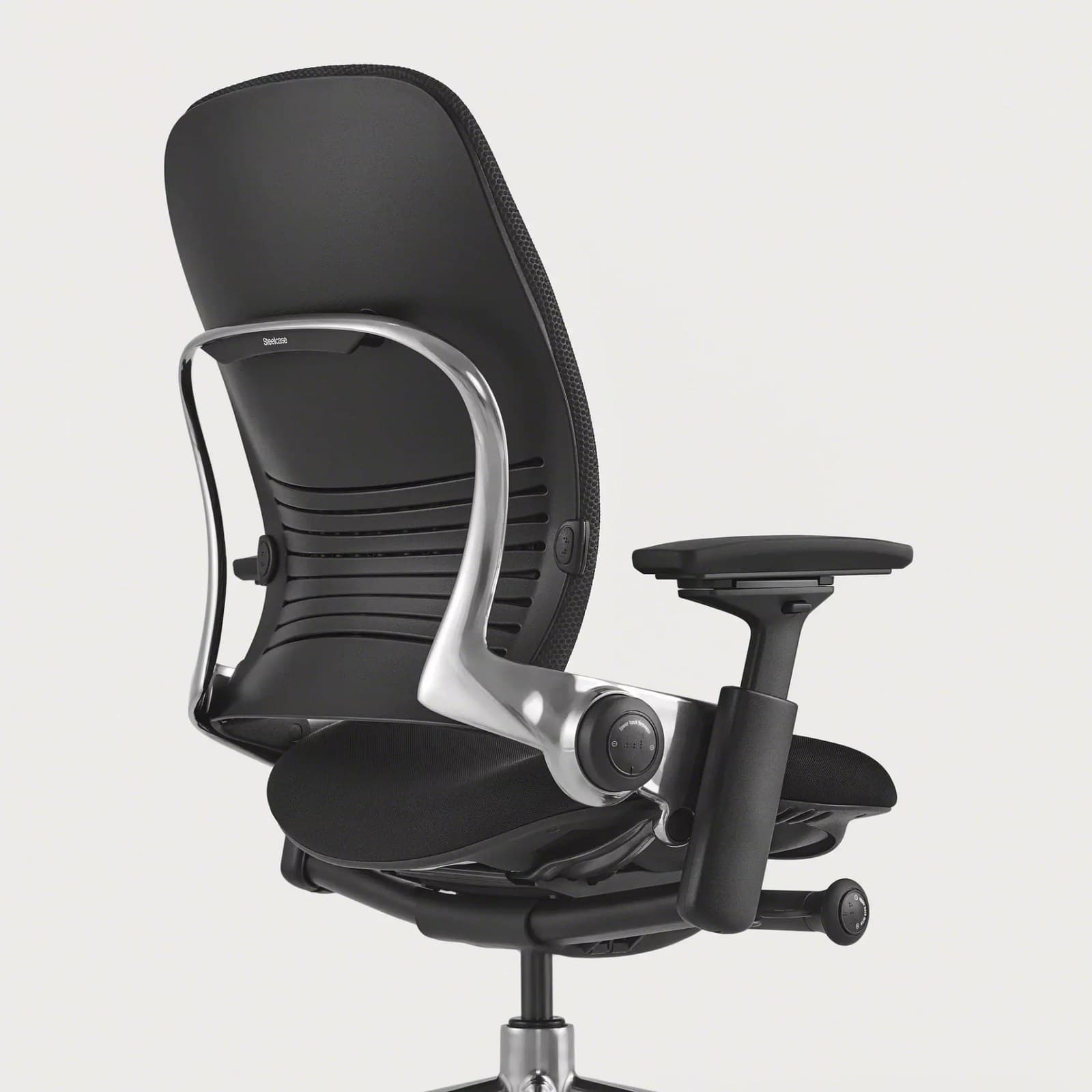
The Steelcase Leap is a highly adjustable ergonomic office chair that may be particularly appealing to people who spend long hours working at a desk. Its premium pricing means buyers should carefully consider whether its adjustment features and seating characteristics match their needs.
- Best for:
- Long workdays and adjustability — especially if you prefer a cushioned seat over mesh
- Main benefit:
- LiveBack flex plus deep seat, lumbar, arm, and recline adjustability
- Main drawback:
- Premium price and warmer upholstered feel versus open mesh
Reviewed by AuraOX home office editors
Some links on AuraOX are affiliate links. If you purchase through them, AuraOX may earn a commission at no additional cost to you.
Our evaluation considers manufacturer specifications, warranty terms, published adjustability features, and how the Leap compares with other premium ergonomic chairs for full-time remote work. We do not claim multi-week hands-on lab testing unless noted on a specific page. How AuraOX evaluates products
Quick verdict
- Best for
- Long workdays and adjustability — especially if you prefer a cushioned seat over mesh
- Not ideal for
- Tight budgets, hot rooms where open mesh wins, or anyone who wants a compact, visually light chair
- Biggest advantage
- LiveBack flex plus deep seat, lumbar, arm, and recline adjustability
- Biggest drawback
- Premium price and warmer upholstered feel versus open mesh
- Price tier
- Typically about $1,000–$1,500 depending on finish and retailer
- Warranty
- 12-year Steelcase limited warranty on typical configs (terms apply)
- Overall recommendation
- Worth it for full-time sitters who want cushioned, tunable support through long workdays; skip it if mesh breathability or mid-range pricing matters more.
Leap Chair pros and cons
Pros
- LiveBack flexes with spinal movement instead of a rigid shell
- Sliding seat depth and adjustable lumbar height/firmness help dial fit
- 4D arms and Natural Glide recline support posture changes through the day
- Strong long-day reputation for cushioned all-day sitting
- 12-year warranty and up to ~400 lb capacity on typical Leap configs
Cons
- Premium price — hard to justify for occasional desk use
- Upholstered surfaces run warmer than open mesh chairs
- Bulkier footprint than compact task chairs
- No factory headrest on standard work-chair configs
- Less “cool mesh” character than Aeron or Fern for hot sitters
Key specifications
Specs reflect typical manufacturer and retailer information and can vary by configuration and region.
| Spec | Details |
|---|---|
| Approx. price | $1,000–$1,500 (config-dependent; check current retailer pricing) |
| Weight capacity | Up to 400 lbs on typical Leap configs |
| Seat height | Typically about 15.5–20.5" (cylinder-dependent) |
| Seat depth | Sliding seat-depth adjustment |
| Seat width | About 19–20" typical (confirm your config) |
| Materials | Upholstered foam seat; LiveBack flex back with fabric or other finishes |
| Lumbar support | Height-adjustable lumbar with firmness control; LiveBack flex |
| Armrest adjustment | 4D arms (height, width, depth, pivot) |
| Recline | Natural Glide recline that keeps you oriented toward the desk |
| Headrest | Not included on standard work-chair configs |
| Warranty | 12-year limited warranty (see Steelcase terms) |
Is the Steelcase Leap worth it?
Yes for full-time desk workers who want cushioned, highly adjustable support and can fund a premium chair. The Leap’s case is LiveBack flex, sliding seat depth, tunable lumbar, 4D arms, and a long limited warranty — not the lowest sticker price.
It is less appropriate if you sit only a few hours a week, prefer cool open mesh, need a factory headrest, or your budget tops out well below roughly $1,000. In those cases a mid-range chair or a mesh flagship like the Aeron usually fits better.
Treat “worth it” as hours-of-use math: someone sitting eight hours a day, five days a week, spreads the cost across years of comfort consistency. Occasional sitters rarely recover the premium.
Is the Steelcase Leap comfortable for long hours?
For 6–8+ hour workdays, Leap is one of the strongest cushioned options in AuraOX’s chair cluster. Seat height and depth, lumbar height/firmness, armrest positioning, LiveBack movement, and Natural Glide recline are all aimed at people who sit through full remote-work days.
Comfort still depends on setup: seat depth should leave a small gap behind the knees, lumbar should meet your lower back, arms should keep shoulders relaxed at your desk height, and recline should let you change hip angle without sliding away from the keyboard.
Long-hour comfort still requires movement. No chair replaces standing breaks, short walks, or a sit-stand desk routine — and Leap will feel warmer than open mesh in hot rooms. We do not claim any chair prevents or cures pain.
If your priority is all-day seated work with a padded feel, Leap belongs on a short shortlist alongside Gesture and Embody. For a wider comparison, see our best office chairs for long hours guide.
How adjustable is the Steelcase Leap?
Seat depth slides so thigh length can be matched without jumping between discrete shell sizes. Seat height should let feet rest flat with thighs roughly parallel to the floor — pair that with correct desk height using our office chair height guide.
Armrests are typically 4D: height, width, depth, and pivot. That helps when you type, mouse, or shift between laptop and external keyboard postures.
Recline uses Steelcase’s Natural Glide approach — the idea is to open the hip angle while staying oriented to the desk rather than sliding away from your keyboard.
Lumbar height and firmness are tunable, and LiveBack adds flex through the backrest as you move. Together, those controls are why Leap often shows up in “best for adjustability” conversations even when Gesture wins some device-switching use cases.
Schematic overview of the controls that matter most for fit — not a scaled product drawing.
- 1. Lumbar + LiveBack — Height and firmness for lower-back contact; LiveBack flexes as you move.
- 2. Seat depth — Slides so thigh length can be matched without changing shell size.
- 3. 4D arms — Height, width, depth, and pivot for typing and mouse posture.
- 4. Seat height — Cylinder range should let feet rest supported with thighs roughly level.
- 5. Natural Glide recline — Opens the hip angle while staying oriented toward the desk.
Steelcase Leap price and value
At roughly $1,000–$1,500 for common new configs, Leap is expensive in absolute terms. Finish, arms, and retailer promotions move the number — always check live pricing rather than treating any figure on this page as fixed.
Configuration differences matter: upholstery, frame finish, and arm packages can change both comfort character and cost. Authorized dealers and Steelcase channels may price differently than marketplace listings.
Refurbished or remanufactured Leaps can lower upfront cost when sourced from reputable sellers with clear warranty terms. Coverage and return policies often differ from new authorized purchases — verify before buying.
You are paying for LiveBack character, deep adjustability, commercial warranty framing, and cushioned all-day support. You are not paying for mesh airflow or a visually minimal silhouette. The cost is easiest to justify for daily full-time sitting.
Steelcase Leap vs Herman Miller Aeron
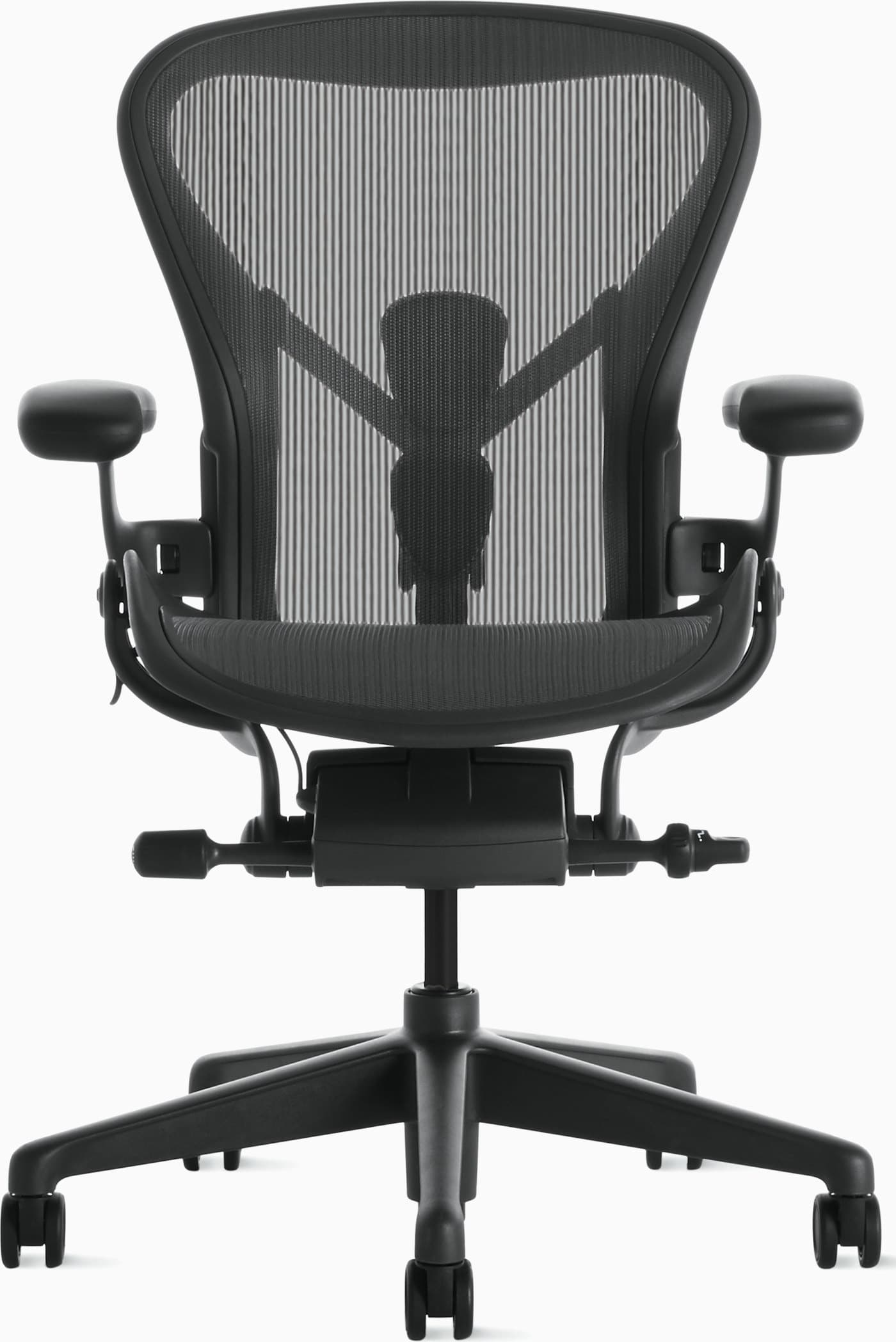
Aeron is cooler mesh with A/B/C sizing; Leap is cushioned LiveBack with sliding seat depth. Choose Aeron for breathability and multi-size shells; choose Leap for padded long-day support.
Read our Herman Miller Aeron review for the mesh side of that trade, and compare both against your preference for fabric contact versus open mesh.
Steelcase Leap vs Herman Miller Embody
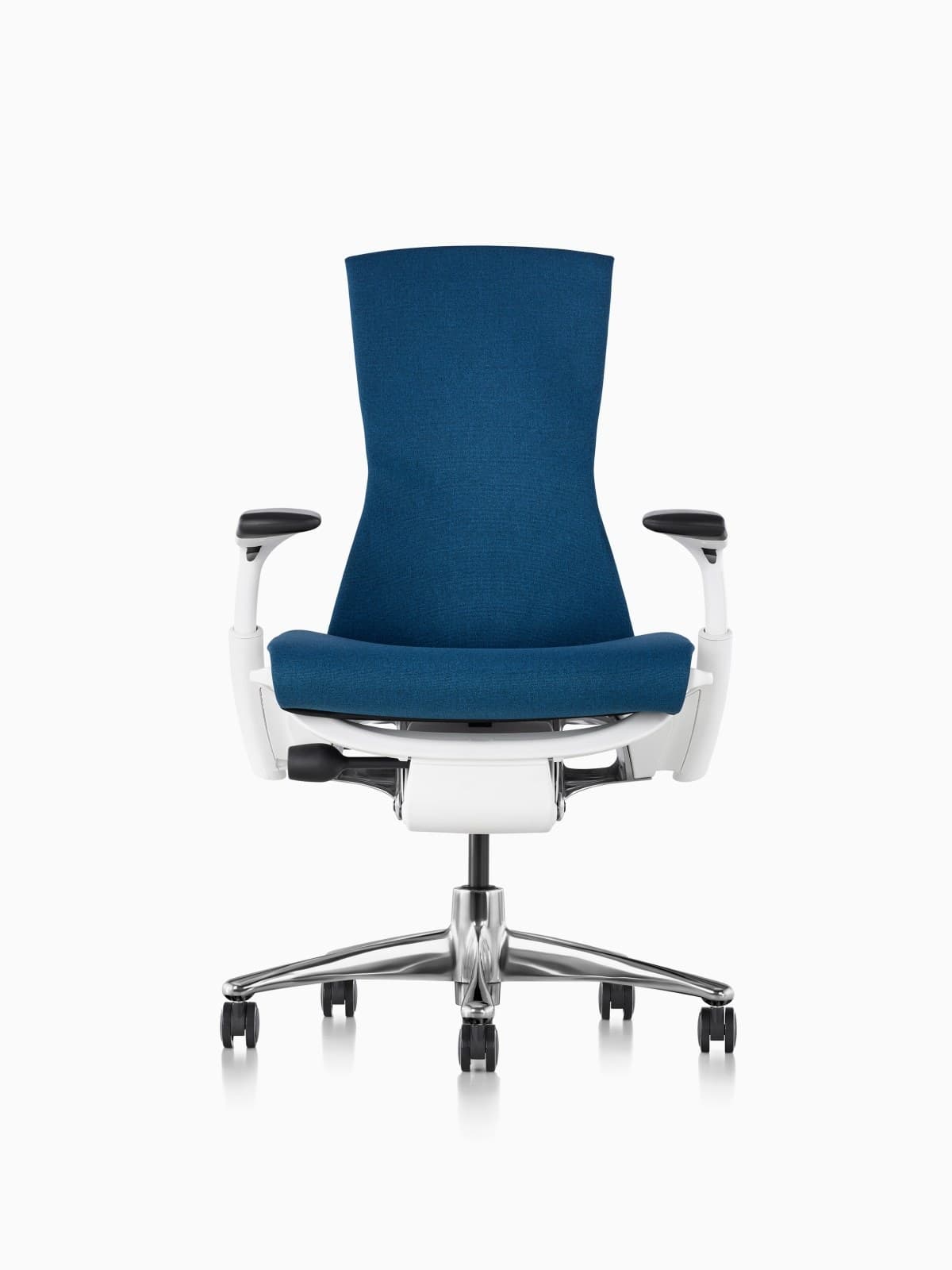
Embody uses Pixelated Support under fabric with Backfit; Leap uses LiveBack flex with more traditional lumbar firmness controls. Embody often costs more; both target premium long-hour sitters who dislike pure mesh.
See our Embody review and Aeron vs Embody comparison if you are deep in Herman Miller territory, or stay with Leap when you want Steelcase’s LiveBack and sliding-depth approach at a typically lower street price than Embody.
How is Steelcase Leap build quality and materials?
Leap is positioned as commercial / fleet-grade furniture: upholstered foam seating, a LiveBack flex structure, and mechanisms designed for intensive daily use under Steelcase’s long limited warranty.
Expect normal wear on arm pads, fabric, and casters over years of use. Structural and mechanism coverage is the main durability story — we do not invent lifespan guarantees beyond what warranty and maintenance support.
Compared with mid-range DTC chairs, Leap usually feels more refined in mechanisms and materials; compared with open-mesh flagships, it trades some breathability for cushioned contact.
Who is it for?
- Remote workers sitting 6–8+ hours who prefer cushioned seats
- People who want sliding seat depth, tunable lumbar, and 4D arms
- Buyers prioritizing long warranty and fleet-grade mechanisms
- Anyone comparing premium chairs for long workdays rather than occasional use
Who should skip it?
- Budgets that cannot stretch into the ~$1,000–$1,500 range without stress
- Users who run hot and prefer open mesh
- People who need a factory headrest or ultra-compact footprint
- Occasional sitters who only need a few hours of comfort per week
Alternatives
Herman Miller
Aeron Chair
Iconic mesh ergonomic chair engineered for all-day remote work.
$1,400–$1,800
Choose Aeron if you want cool mesh and A/B/C sizing instead of Leap’s cushioned LiveBack.
Herman Miller
Embody Chair
Pixelated full-spine support chair for long creative sessions.
$1,800–$2,200
Premium fabric Pixelated Support alternative with adjustable seat depth.
Steelcase
Gesture Chair
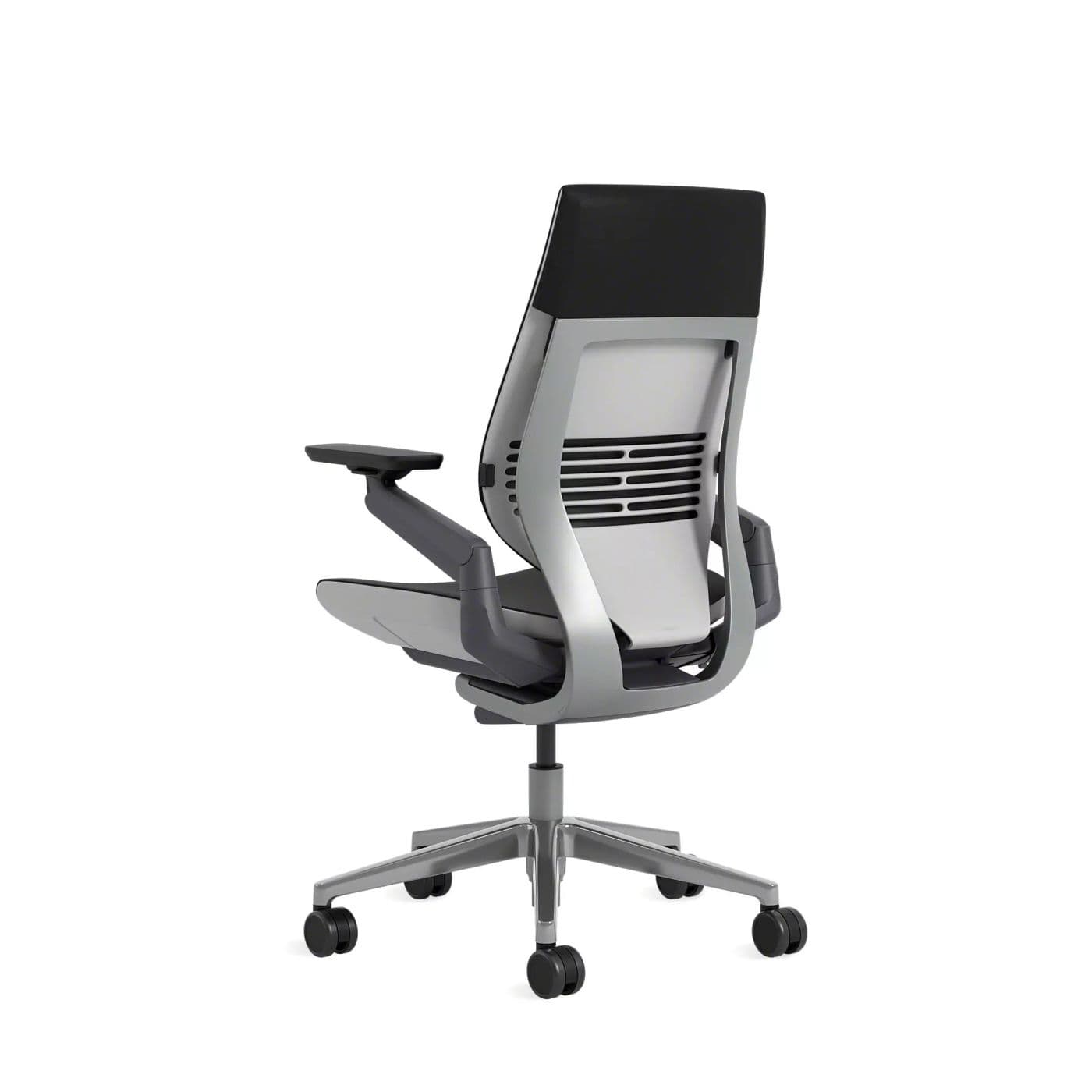
Highly adaptive chair designed for modern device-driven postures.
$1,200–$1,600
Better when you constantly switch between laptop, tablet, and desktop postures.
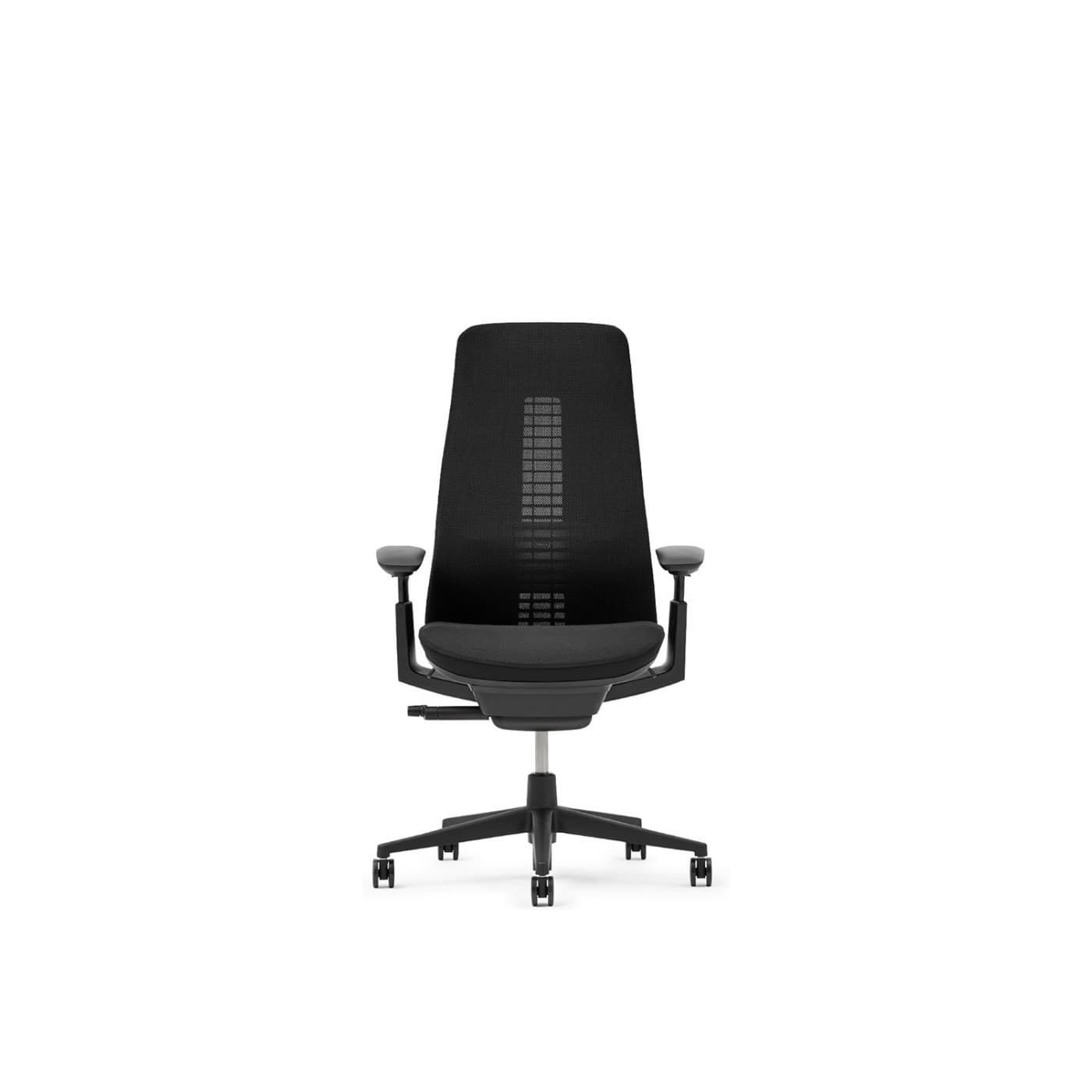
Haworth
Fern Chair
Wave Suspension ergonomic chair with edgeless back comfort.
$1,000–$1,600
Flexible Wave Suspension mesh back with a different comfort character than Leap.
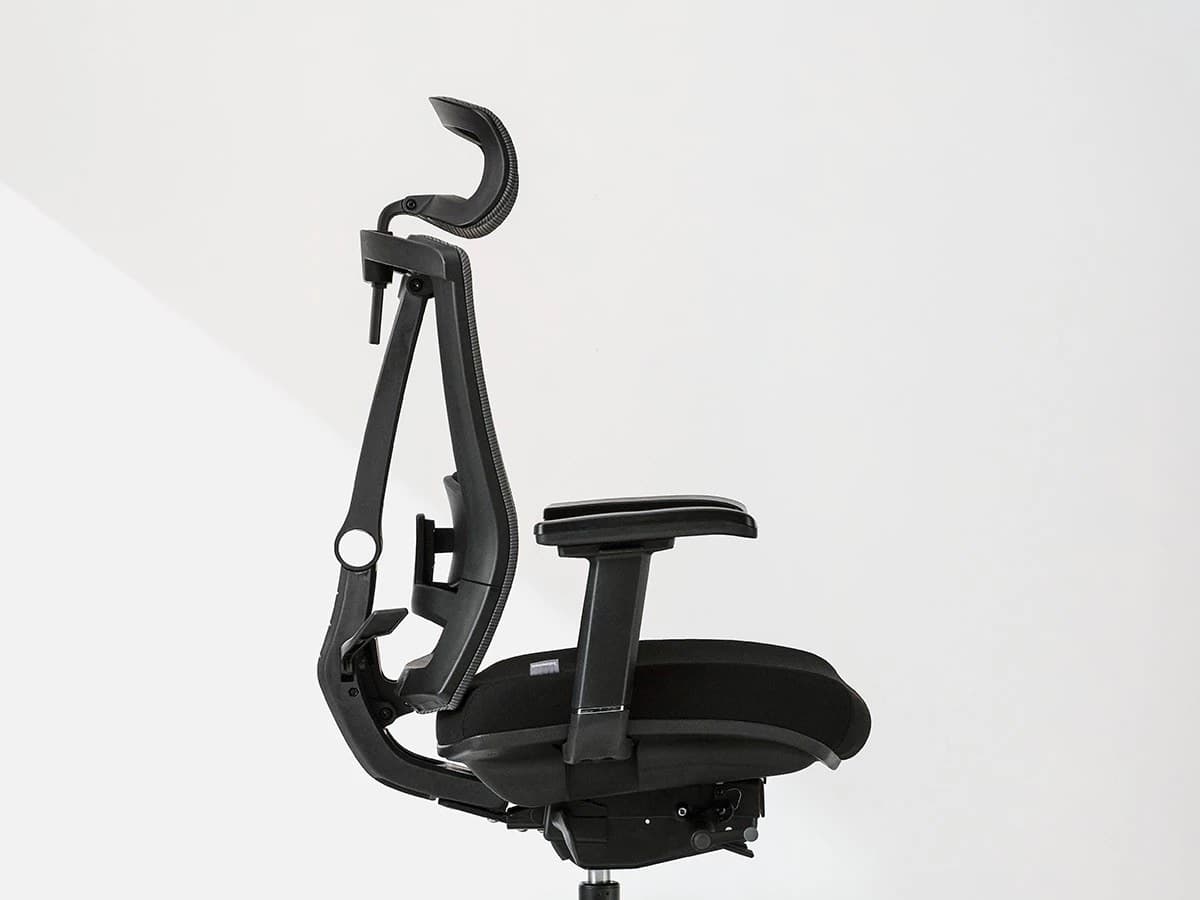
Autonomous
ErgoChair Pro
Mid-range ergonomic chair with headrest and nine adjustment points.
$400–$550
Feature-rich mid-range alternative with headrest — not equivalent build or warranty.
Continue your research
Guide
Best office chairs for remote workers
Continue researching home-office options on AuraOX.
Guide
Best office chairs for long hours
Continue researching home-office options on AuraOX.
Guide
How to choose an office chair
Continue researching home-office options on AuraOX.
Guide
Office chair height guide
Continue researching home-office options on AuraOX.
Review
Herman Miller Aeron review
Continue researching home-office options on AuraOX.
Review
Herman Miller Embody review
Continue researching home-office options on AuraOX.
Comparison
Aeron vs Embody comparison
Continue researching home-office options on AuraOX.
Quiz
Office chair quiz
Continue researching home-office options on AuraOX.
FAQ
Frequently asked questions
Is the Steelcase Leap good for long hours?
It is one of the strongest long-hour cushioned options because of LiveBack, seat depth, lumbar controls, and recline — provided you set it up for your body. Still plan movement breaks; no chair replaces changing positions.
Is the Steelcase Leap worth the price?
For full-time desk work with a preference for cushioned, highly adjustable support, yes — the value shows up over years via comfort consistency and the 12-year warranty. For light use or a tight budget, a mid-range chair is usually smarter.
How adjustable is the Steelcase Leap?
Typical configs offer sliding seat depth, seat height, height/firmness lumbar, 4D arms, and Natural Glide recline, plus LiveBack flex through the backrest. That combination is why Leap ranks highly for adjustability among premium chairs.
Is the Steelcase Leap better than the Aeron?
Neither is universally better. Leap is cushioned LiveBack with sliding seat depth; Aeron is breathable mesh with A/B/C sizes. Pick Leap for padded all-day feel; pick Aeron for cool mesh and discrete sizing.
Does the Steelcase Leap have lumbar support?
Yes. Typical configs offer height-adjustable lumbar with firmness control, plus LiveBack flex through the backrest as you move.
Is a refurbished Steelcase Leap worth considering?
A reputable refurbished or remanufactured Leap can be a strong value if warranty, return policy, and seller reputation are clear. Coverage often differs from new authorized purchases — verify terms before buying.
How much does the Steelcase Leap cost?
Configured chairs typically land around $1,000–$1,500 depending on finish and retailer. Always check current pricing — promotions move the number.
Check the current Leap price
Configurations and promotions change. Confirm arms, finish, warranty channel, and return policy before you buy.
Check price