Setup Guide
How To Build A Home Office
A practical framework for building a comfortable, productive home office from scratch.
Updated 2026-06-30 · 11 min read
Key takeaways
- Ergonomics before aesthetics.
- Start with chair + desk + lighting as the core triad.
- One good monitor often beats two mediocre displays.
- Cable management and storage make the space feel finished.
A strong home office is less about buying everything at once and more about sequencing the right upgrades. This guide walks through a practical build order that works for bedrooms, living room corners, and dedicated offices.
1. Pick the zone and light
Choose a spot with natural light if possible, but avoid harsh glare on screens. Add a task lamp early — lighting quality affects both focus and video calls.
2. Lock in desk and chair
Your desk and chair determine posture for years. Get seat height, desk height, and monitor distance roughly right before spending on accessories.
3. Add tech that reduces friction
An external monitor, comfortable keyboard, and mouse usually deliver more daily benefit than decorative upgrades. Prioritize tools you touch for hours.
4. Organize and refine
Finish with cable trays, storage for supplies, and only the accessories that earn their space. A calm desk supports deeper work.
Product recommendations
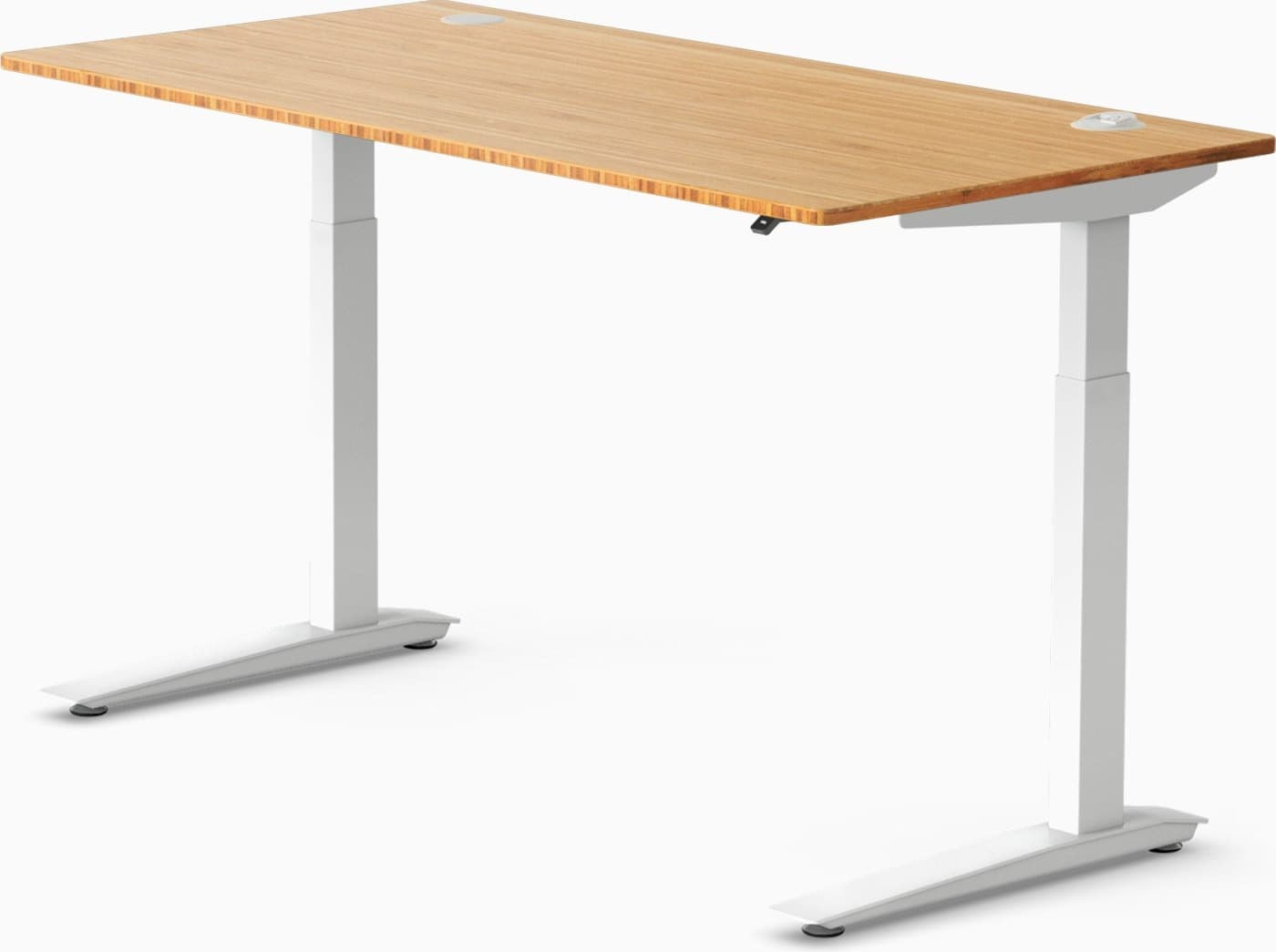
Fully
Jarvis Bamboo Desk
Reliable standing desk with a warm bamboo work surface.
$550–$950
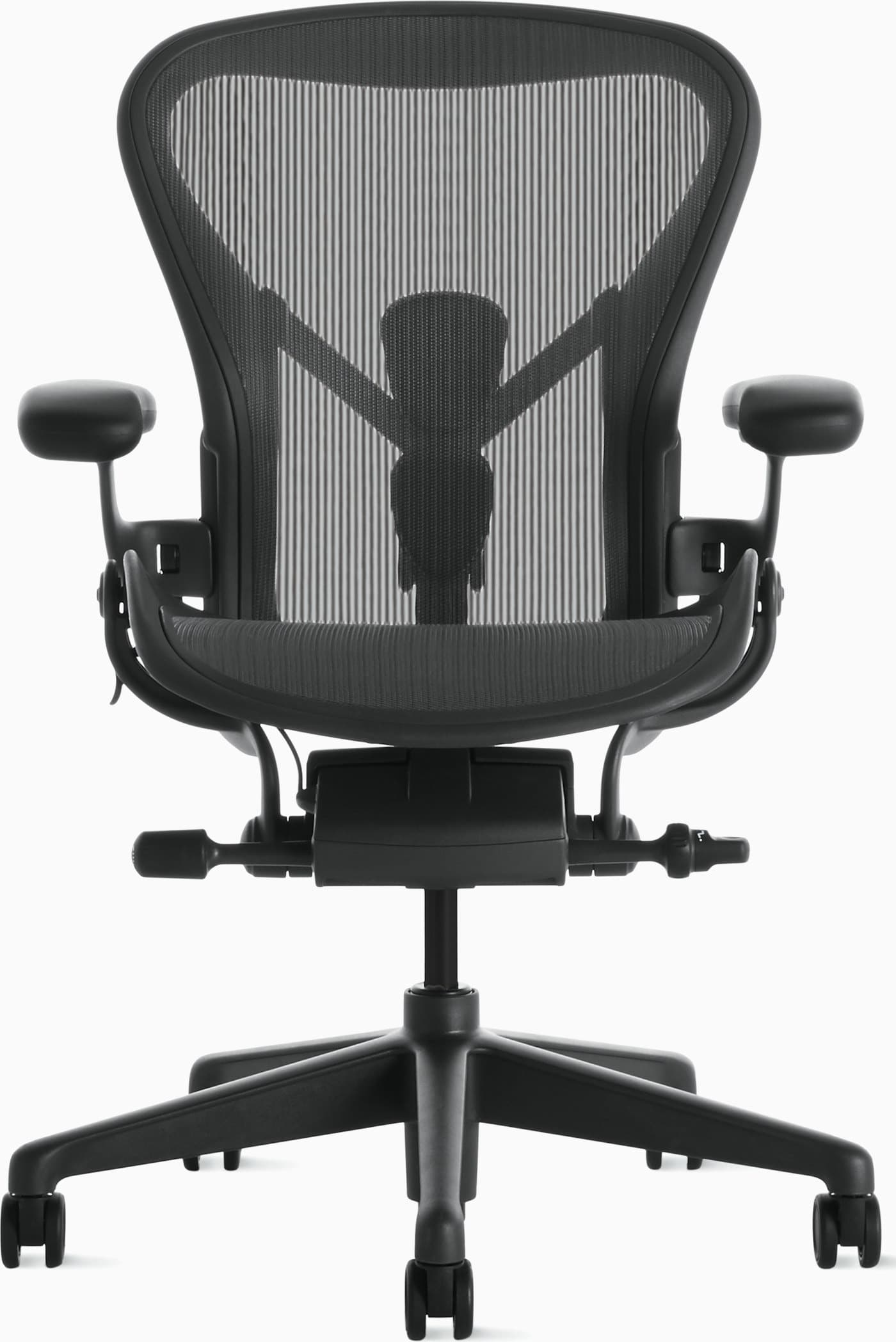
Herman Miller
Aeron Chair
Iconic mesh ergonomic chair engineered for all-day remote work.
$1,400–$1,800
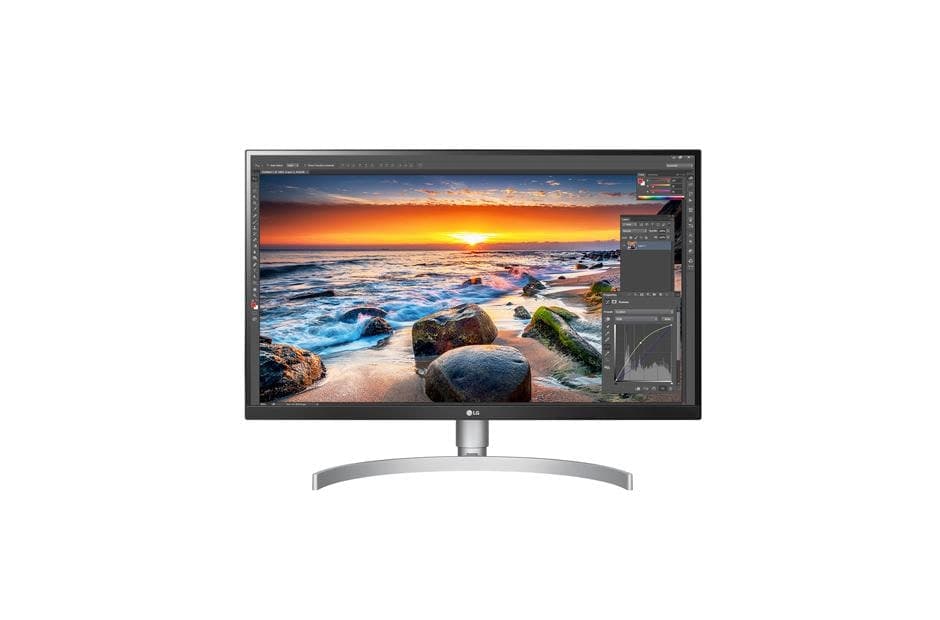
USB-C 4K monitor well suited to laptop-first home offices.
$350–$500
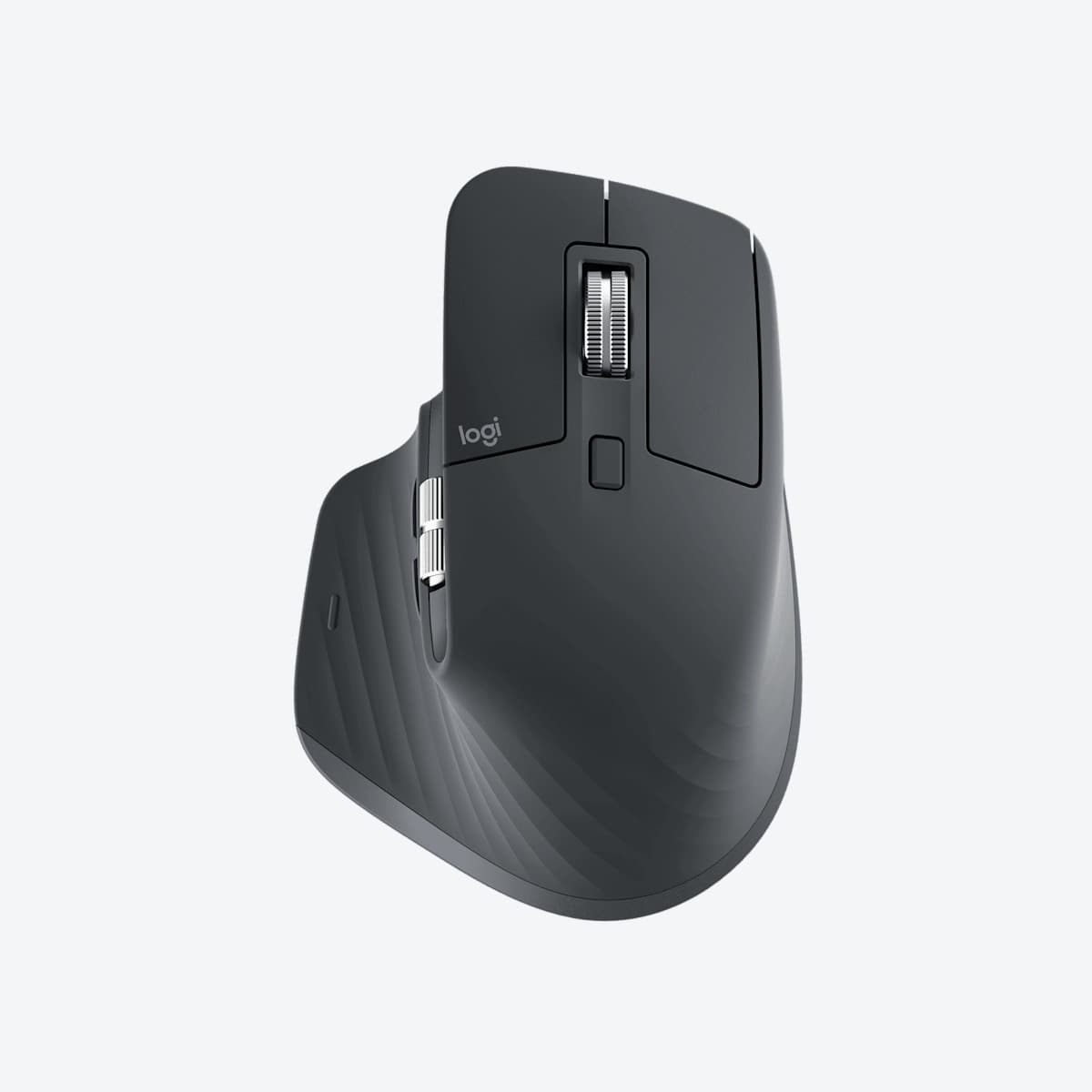
Logitech
MX Master 3S
Ergonomic productivity mouse with quiet clicks and MagSpeed scrolling.
$90–$120
FAQ
Frequently asked questions
How much should a starter home office cost?
A capable starter setup often lands between $800 and $2,000 depending on whether you buy a quality chair and sit-stand desk. You can phase purchases over a few months.
Related articles
All guides →
Inspiration
Small Apartment Office Ideas
Space-saving layouts and product ideas for working from a small apartment.
7 min read
Buying Guide
Best Office Chairs for Remote Workers (2026)
Compare the best office chairs for working from home, including ergonomic, premium, and budget-friendly options for long workdays.
14 min read
Buying Guide
How To Choose An Office Chair: Complete Buying Guide (2026)
Learn how to choose the best office chair for your home office. Compare ergonomics, materials, sizing, features, and pricing to find the right chair for your workspace.
15 min read